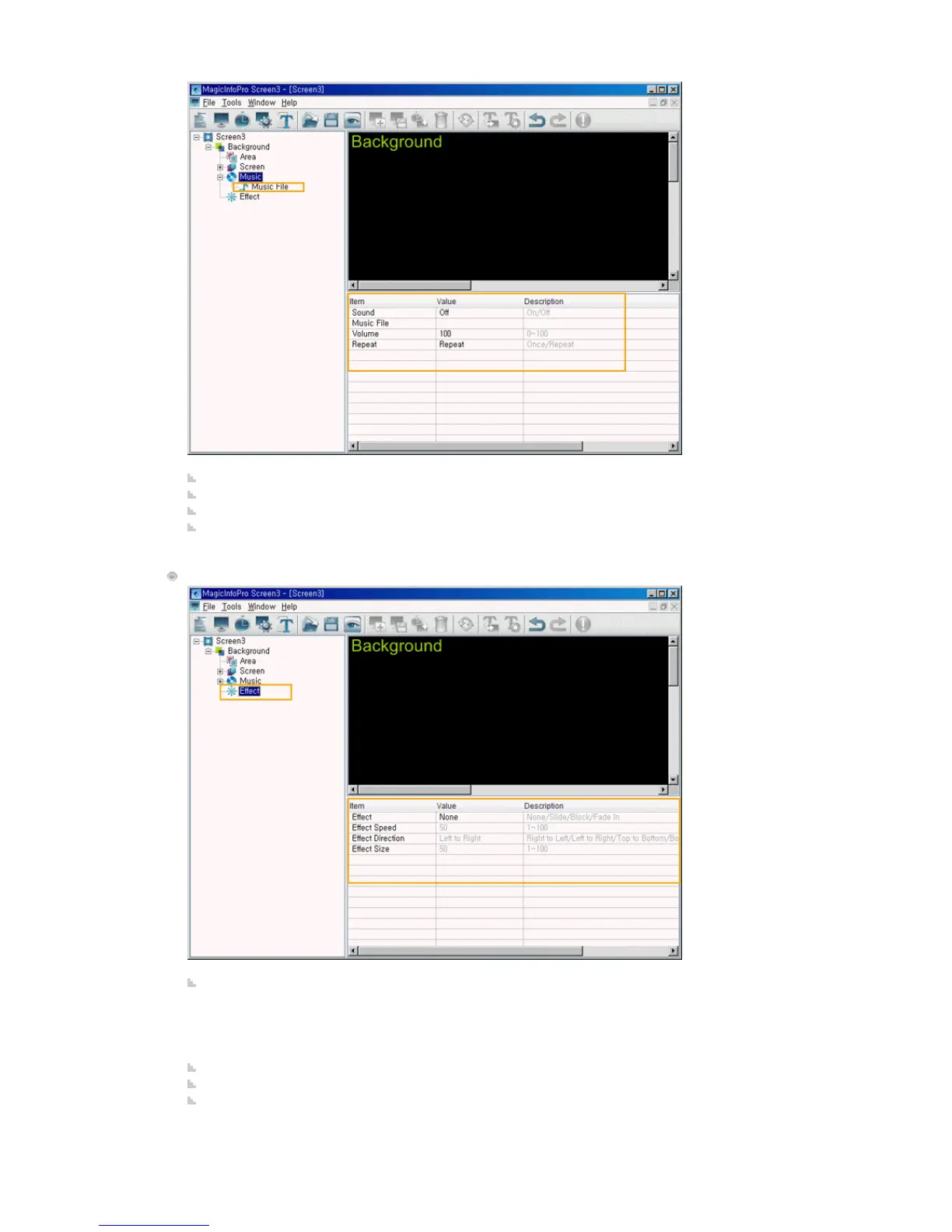
Sound: Turns the background sound on or off.
Music File: Selects a music file for the background.
Volume: Controls the volume of the background music.
Repeat: A music file can be played repeatedly. When set to Repeat, the music file is played repeatedly
while the background is created.
Effect
Effect: Selects the type of effect to be applied when the background is created.
z
None: No effect is used.
z
Slide: The background is created while it is moving.
z
Block: The background is created with blocks.
z
Fade In: The background fades in when it is created.
Effect Speed: Adjusts the speed of an effect being created.
Effect Direction: Sets the direction when the Slide effect is selected.
Effect Size: Sets the size of the blocks when the Block effect is selected.







 To Next Page