Movie
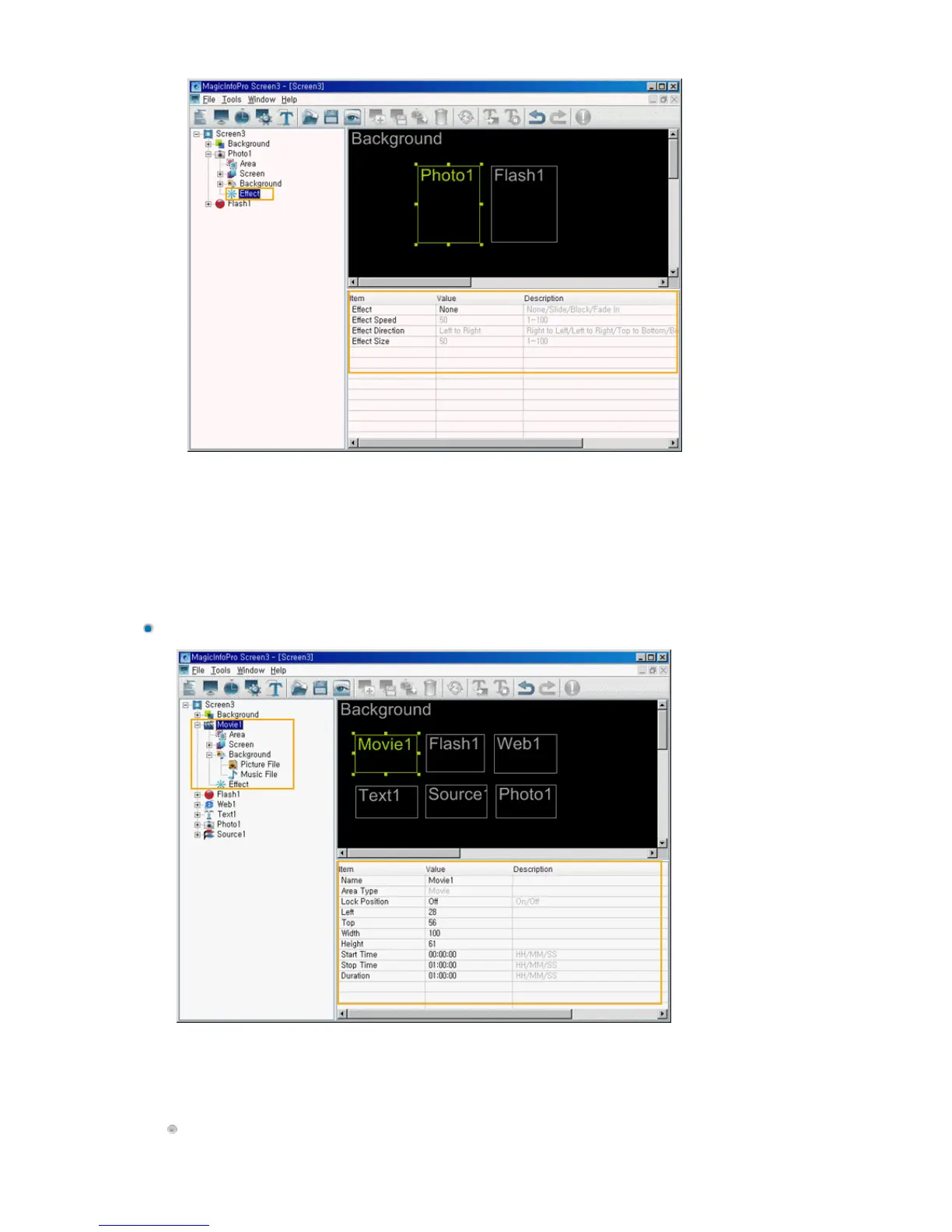
This function is for configuring screens using movie files and consists of Area, Screen, Background,
Effect functions. The Area function allows you to set the position where the movie is played and when
and for how long it is played. The Screen function allows you to select the movie file and how to play it.
The Background function allows you to set the background image and music when the movie is
displayed. The Effect function allows you to set an effect for when the background changes.
z
Effect: Selects the type of effect to be applied when the Photo area is created.
{
None: No effect is used.
{
Slide: The Photo area is created while it is moving.
{
Block: The Photo area is created with blocks.
{
Fade In: The Photo Area fades in when it is created.
z
Effect Speed: Adjusts the speed of an effect being created.
z
Effect Direction: Sets the direction when the Slide effect is selected.
z
Effect Size: Sets the size of the blocks when the Block effect is selected.
Area







 To Next Page