[MENU
→
,
→
→
,
→
→
,
→
MENU]
Transparency
Change the transparency of the background of the OSD.
[MENU
→
,
→
→
,
→
→
,
→
MENU]
Display Time
The menu will be automatically turned off if no adjustments
are made for a certain time period. You can set the
amount of time the menu will wait before it is turned off.
[MENU
→
,
→
→
,
→
→
,
→
MENU]
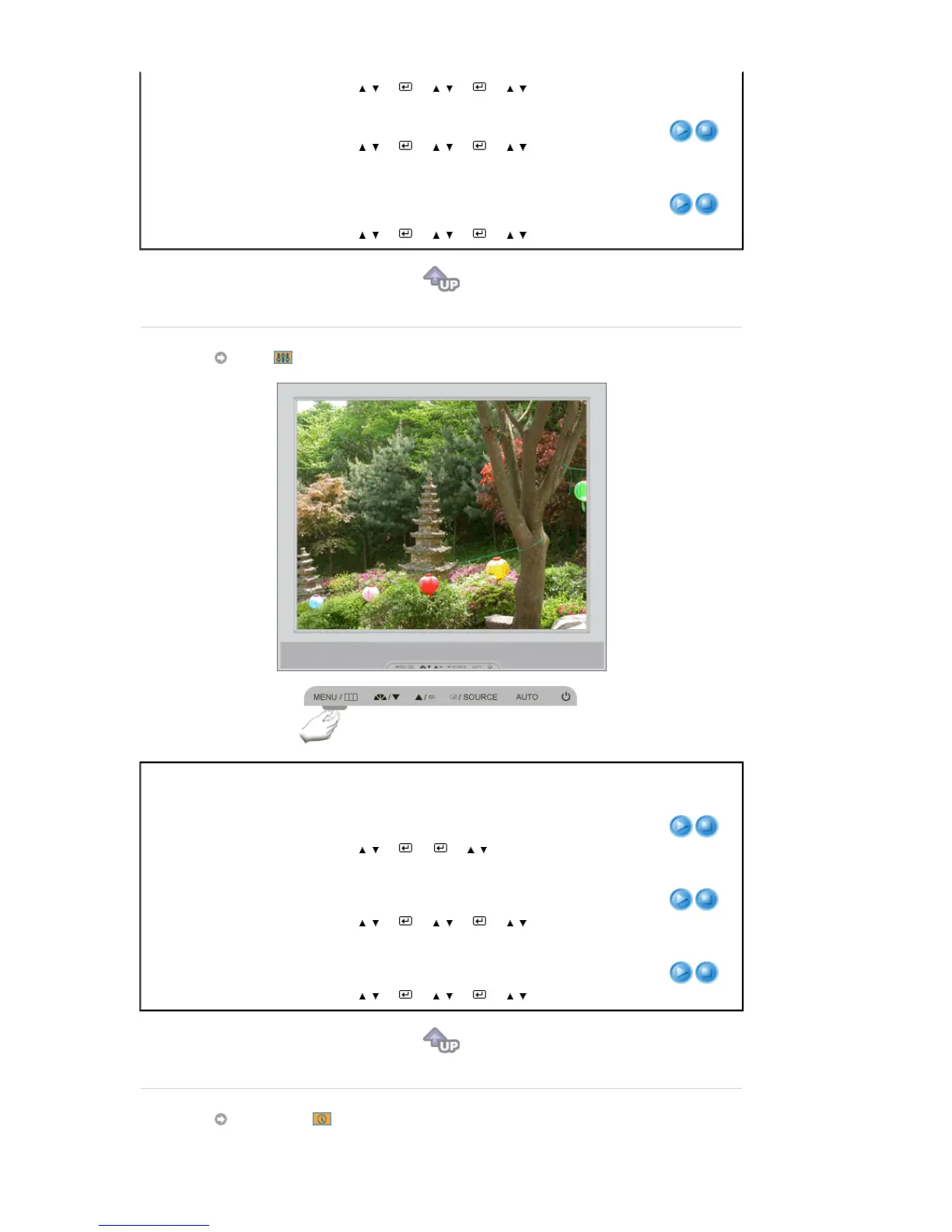
Setup
Menu Description Play/Stop
Auto Source
Select
Auto Source
for the monitor to automatically select
the signal source.
[MENU
→
,
→
→
→
,
→
MENU]
Image Reset
Image parameters are replaced with the factory default
values.
[MENU
→
,
→
→
,
→
→
,
→
MENU]
Color Reset
Color parameters are replaced with the factory default
values.
[MENU
→
,
→
→
,
→
→
,
→
MENU]
Information









 To Next Page