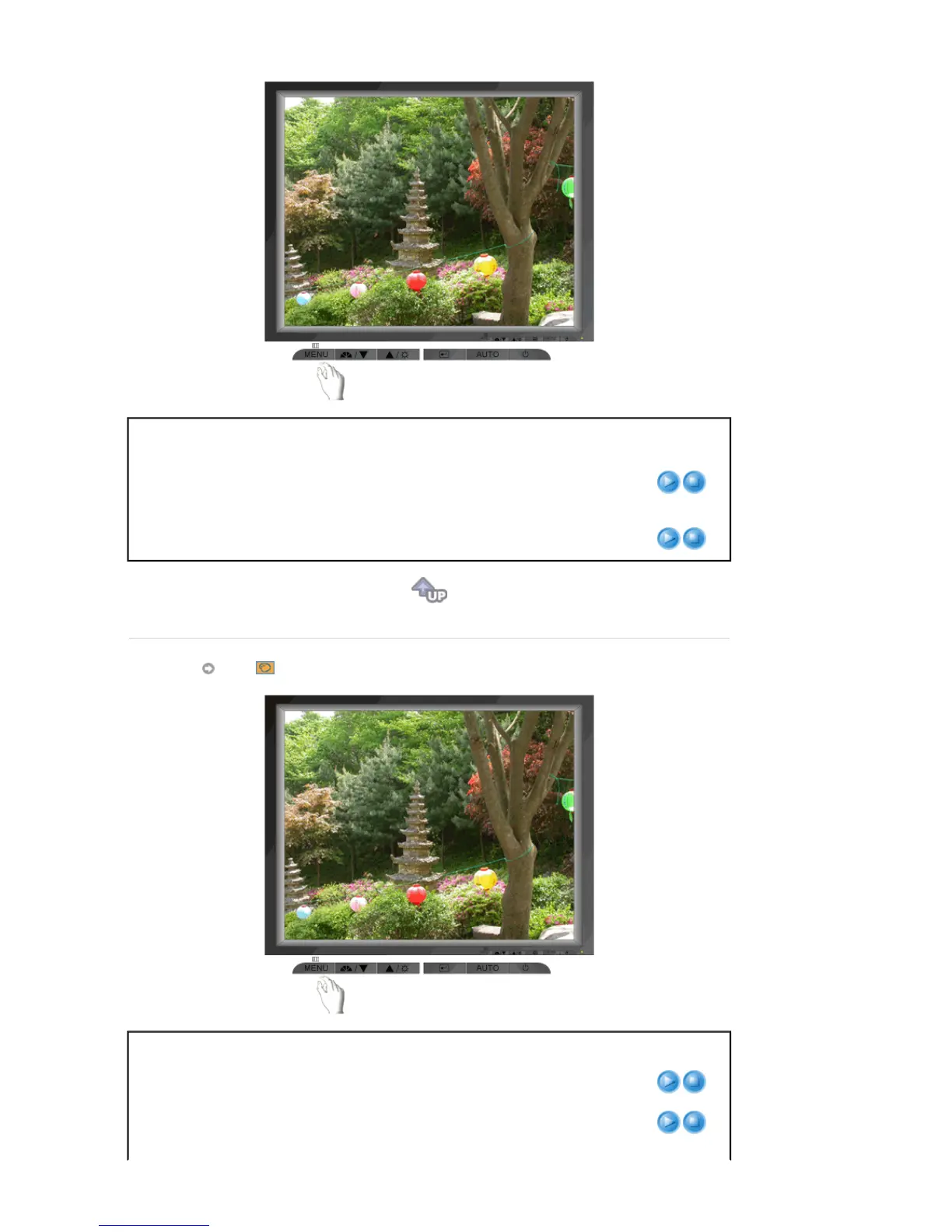
Menu Description Play/Stop
Brightness
You can use the on-screen menus to change the
brightness according to personal preference.
Direct Access Feature
: When OSD is not on the screen,
Push the button to adjust brightness.
Contrast
You can use the on-screen menus to change the contrast
according to personal preference.
Color
Menu Description Play/Stop
Color Tone
The tone of the color can be changed and one of four
modes can be selected - Cool, normal, Warm and Custom.
Color Control
Adjusts individual R,G,B color balance.










 To Next Page