1.
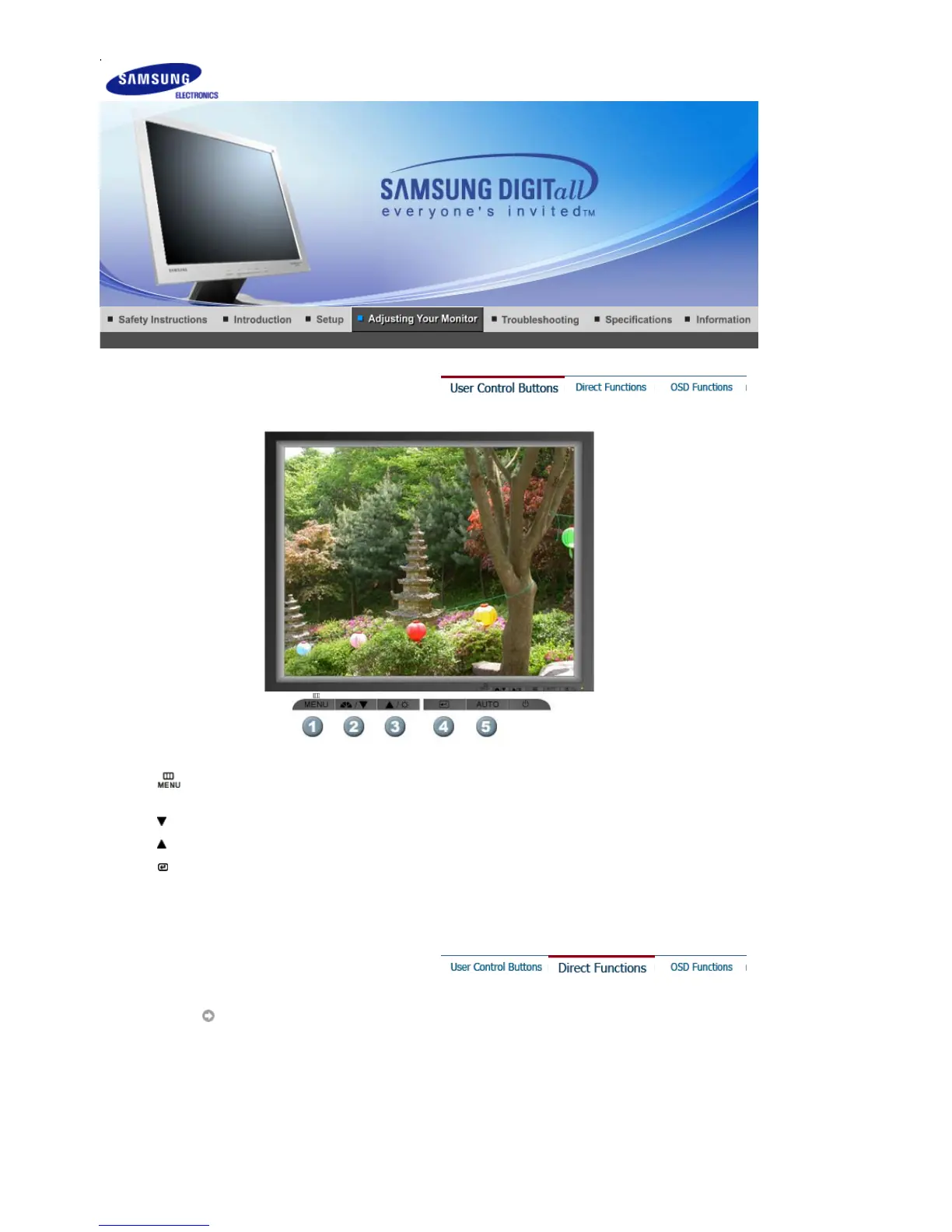
[ ]Use this button to open the on-screen menu and exit from the menu screen or close screen
adjustment menu.
2.
[ ]This button allows you to adjust items in the menu.
3.
[ ]This button allows you to adjust items in the menu.
4.
[ ]Press this button to activate a highlighted menu item.
5.
[
AUTO
]Press to self-adjust to the incoming PC signal. The values of fine,coarse and position are
adjusted automatically.
AUTO












 To Next Page