Color
Menu Description Play/Stop
MagicColor
[MENU
→
,
→
→
→
,
→
→
MENU]
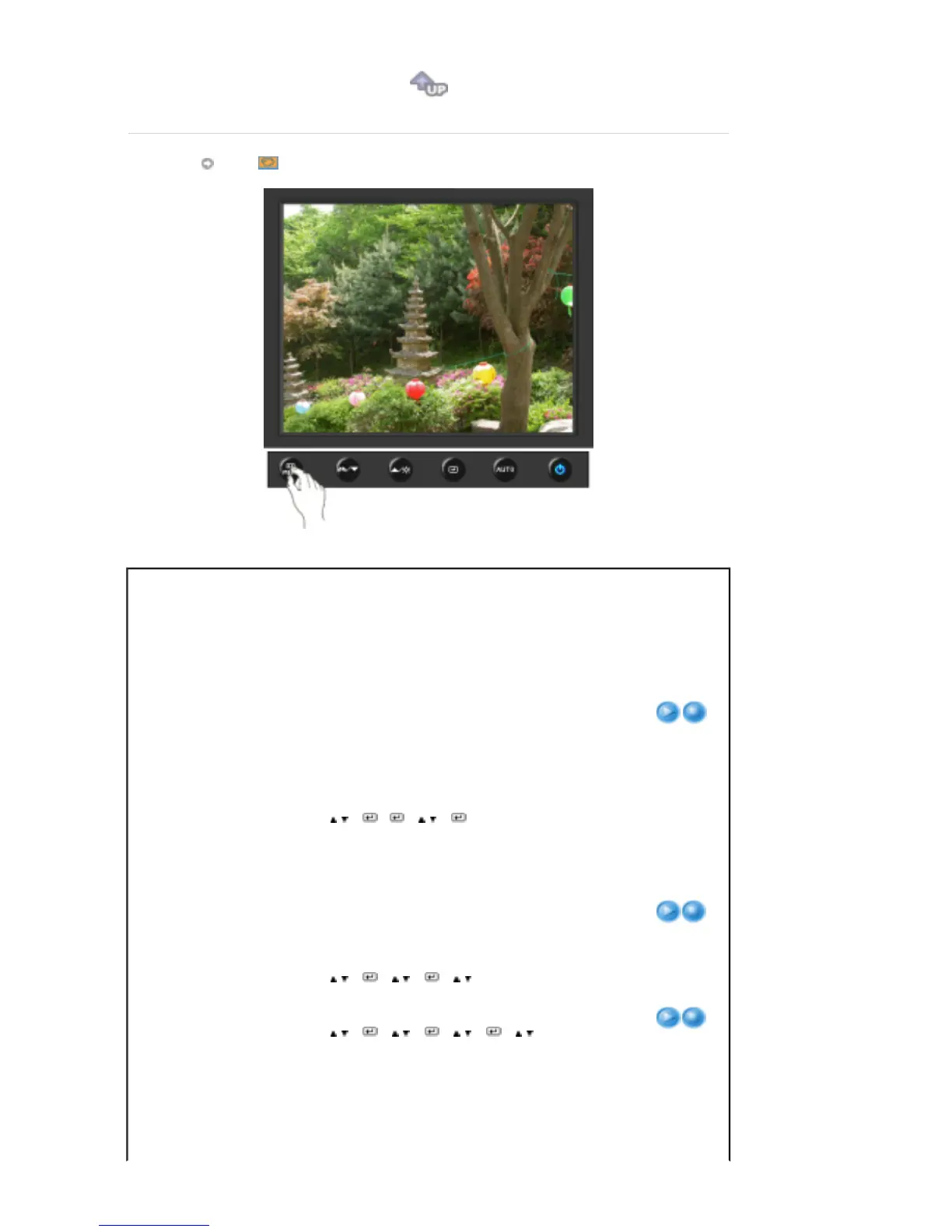
MagicColor is a new technology that Samsung has
exclusively developed to improve digital image and to
display natural color more clearly without disturbing image
quality.
1) Off
- Returns to the original mode.
2) Demo
- The screen before applying MagicColor
appears on the right and the screen after applying
MagicColor appears on the left.
3) Full
- Displays not only vivid natural color but also
more realistic natural skin color with clearness.
4) Intelligent
- Displays vivid natural color with clearness.
Color Tone
The tone of the color can be changed and one of four
modes can be selected - Cool, Normal, Warm and
Custom.
[MENU
→
,
→
→
,
→
→
,
→
MENU]
Cool
- Makes whites bluish.
Normal
- Keeps whites white.
Warm
- Makes whites reddish.
Custom
- Select this mode when you want to adjust
the image according to your preferences.
Color Control
Adjusts individual R,G,B color balance.
[MENU
→
,
→
→
,
→
→
,
→
→
,
→
MENU]
You can change the overall mood by changing the screen
colors.
Off
-
This applies an achromatic color to the
screen to adjust the screen effects.
The default colors of black and white are











 To Next Page