H-Position
Changes the horizontal position of the monitor's entire
display.
(Available in analog mode only)
[MENU
→
,
→
→
,
→
→
,
→
MENU]
V-Position
Changes the vertical position of the monitor's entire
display.
(Available in analog mode only)
[MENU
→
,
→
→
,
→
→
,
→
MENU]
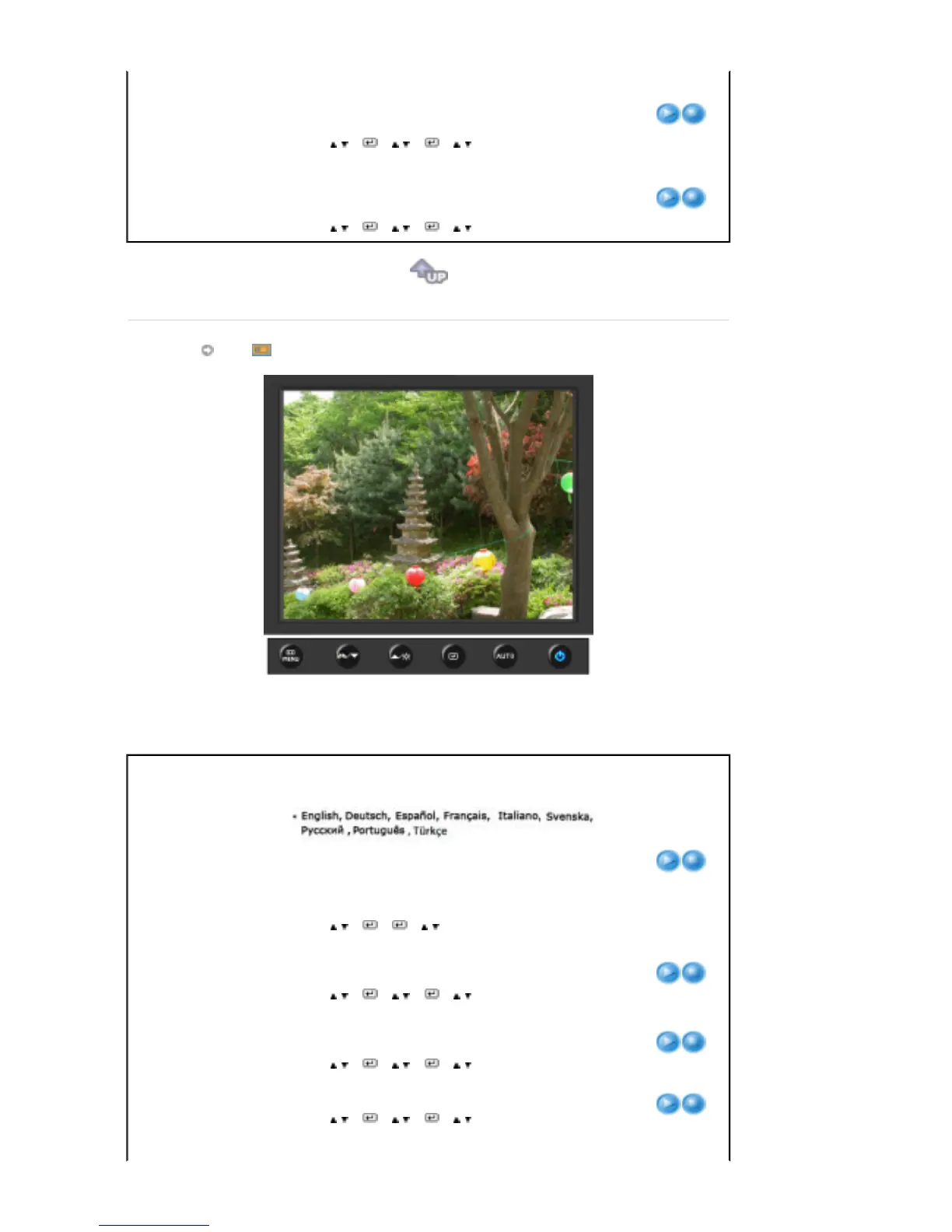
OSD
Menu Description Play/Stop
Language
You can choose one of 9 languages.
Note
:The language chosen affects only the language of
the OSD. It has no effect on any software running on the
computer.
[MENU
→
,
→
→
→
,
→
MENU]
H-Position
You can change the horizontal position where the OSD
menu appears on your monitor.
[MENU
→
,
→
→
,
→
→
,
→
MENU]
V-Position
You can change the vertical position where the OSD menu
appears on your monitor.
[MENU
→
,
→
→
,
→
→
,
→
MENU]
Transparency
Change the transparency of the background of the OSD.
[MENU
→
,
→
→
,
→
→
,
→
MENU]
The menu will be automatically turned off if no adjustments











 To Next Page