Monitor Assembl
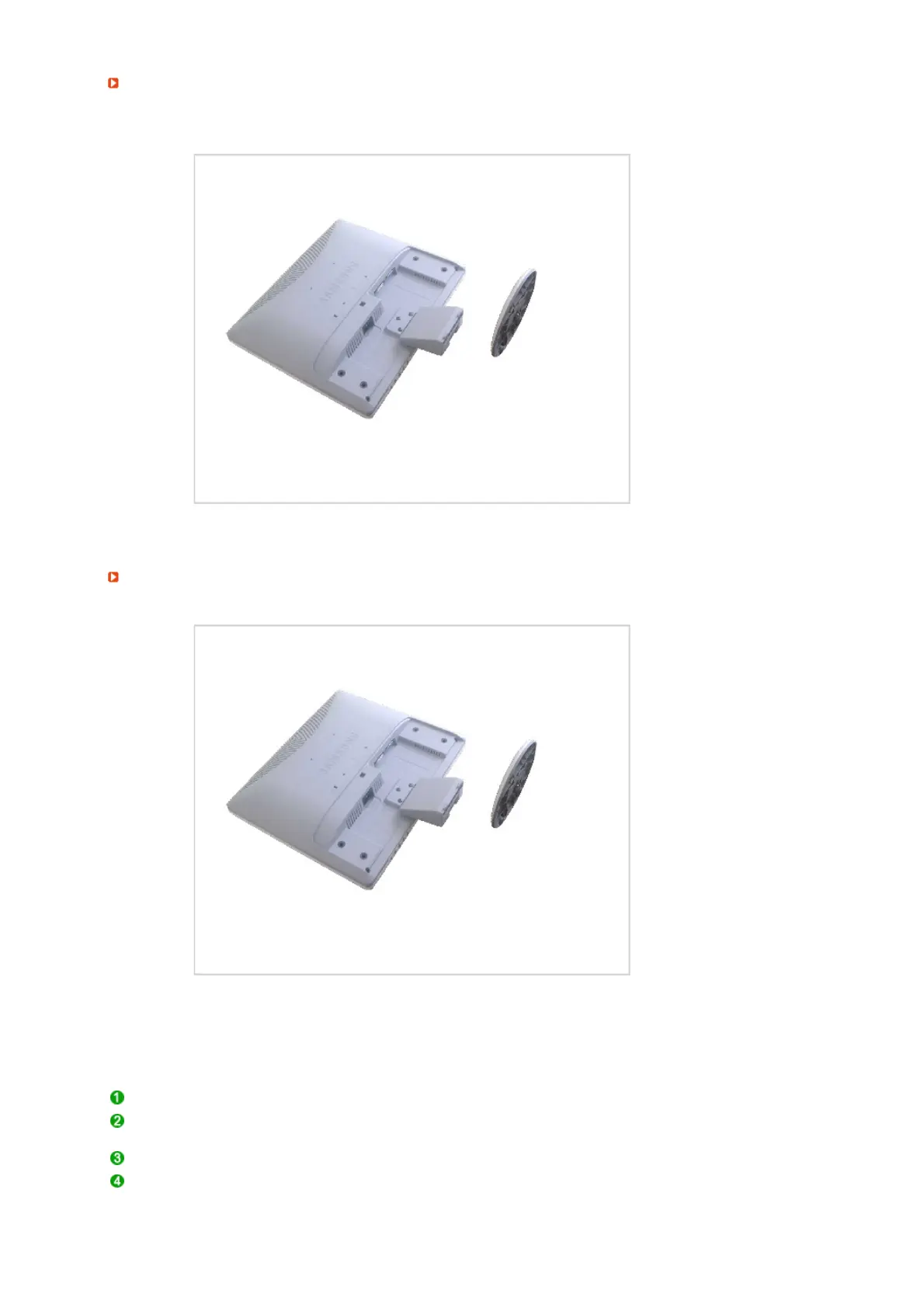
This monitor accepts a 75 mm x 75 mm VESA-compliant mounting interface pad.
Attachin
a Base
A. Monitor
B. Mounting interface pad (Sold separately)
Turn off your monitor and unplug its power cord.
Lay the LCD monitor face-down on a flat surface with a cushion beneath it to protect the
screen.
Remove three screws and then remove the stand from the LCD monitor.
Align the mounting interface pad with the holes in the rear cover mounting Pad and
secure it with four screws that came with the arm-type base, wall mount hanger or other
base.










 To Next Page