OSD
Menu Description
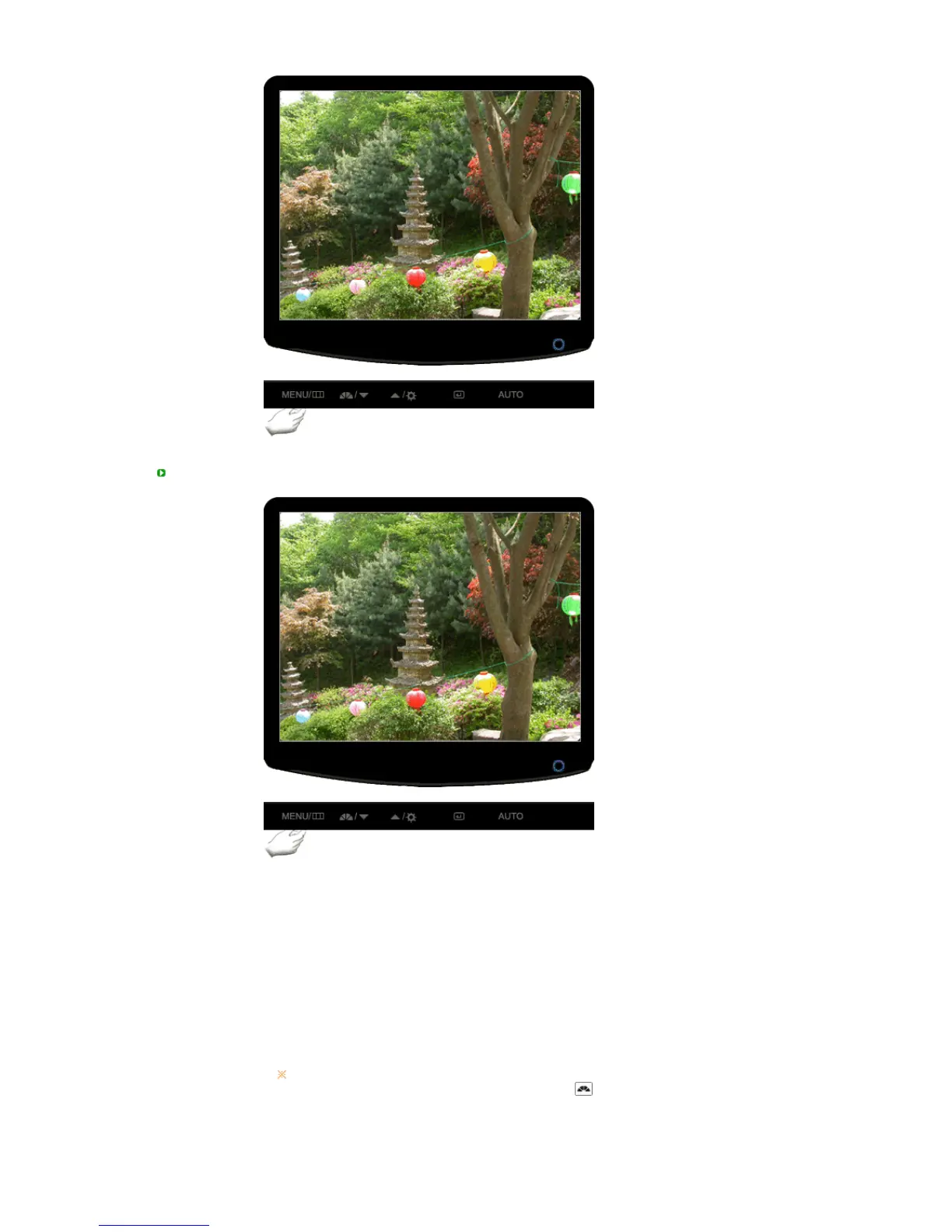
OSD Lock & Unlock
This is the function that locks the OSD in order to keep the current states of
settings or prevent others from adjusting the current settings.
Lock : Hold down the menu button for more than five seconds to activate the
OSD adjustment lock function.
Unlock : Hold down the menu button for more than five seconds to deactivate
the OSD adjustment lock function.
Thou










 To Next Page