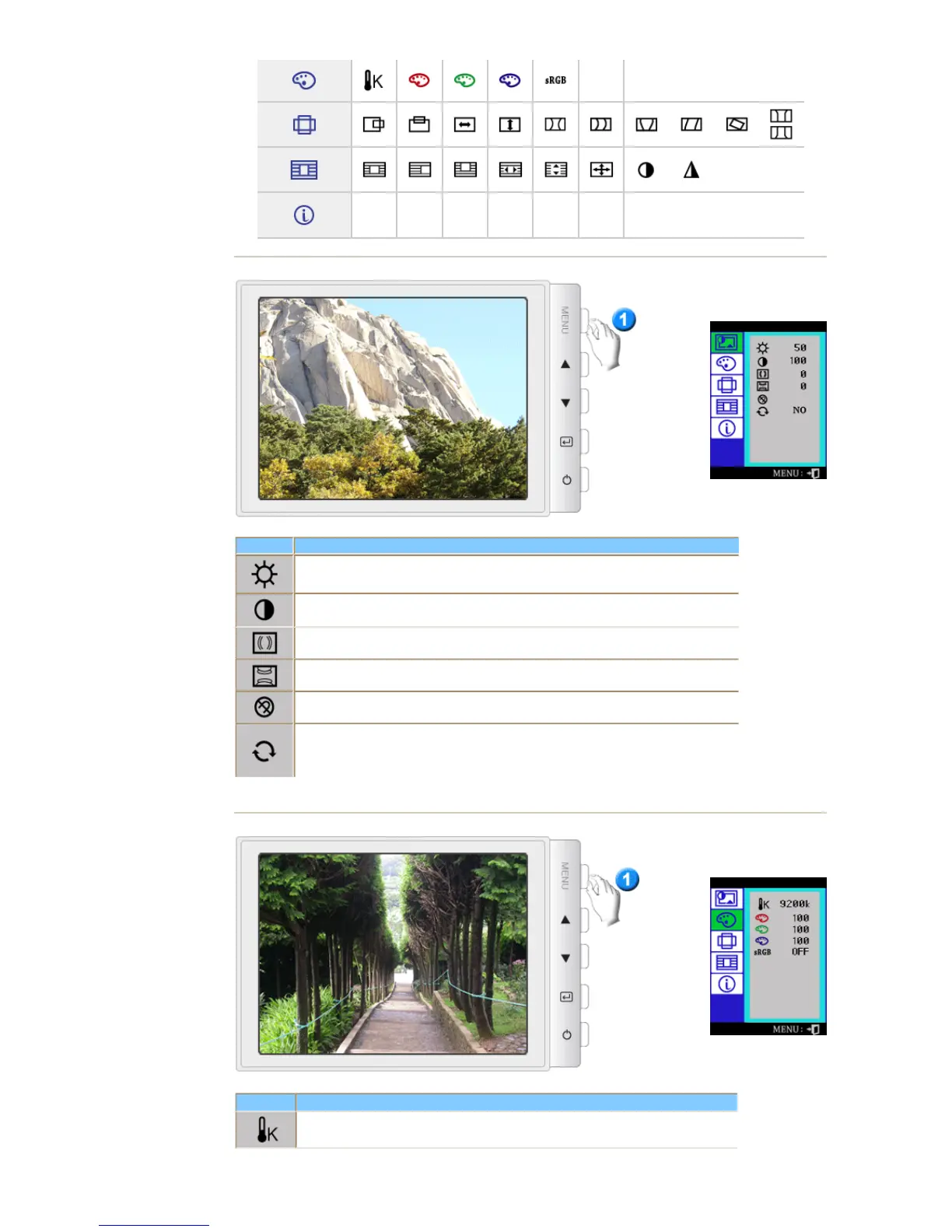
osd Description
Adju st t he Bright ness.
Adju st t he Co ntrast.
A "Mo iré" pattern can app ear on your screen, looking like a series of concent ric circles or
arcs. To eliminat e this pattern, use the horizonta l m oire ad justme nts.
A "Mo irë" pattern can app ear on your screen, looking like a series of concent ric circles or
arcs. To eliminat e this pattern, use the vertical moire a dju stm ents.
The Degau ss fea ture will remove color im purities caused by mag netic fie lds.
Use the recall f eature to reset these m onitor set ting s t o their o riginal le ve ls: Positio n, Size ,
Pincushion, Trapezoid, Parallelogram, Pinba lan ce, Rotat ion , H-Moire,a nd V-Moire.
Note: If yo u have selected "Yes", all settings liste d above w ill be reset. All other settings
will remain the sam e.
osd Description
Color temperature is a measure of th e 'warmth' o f the imag e colo rs. The availa ble range
is betw een 5 000 to 9300K.















 To Next Page