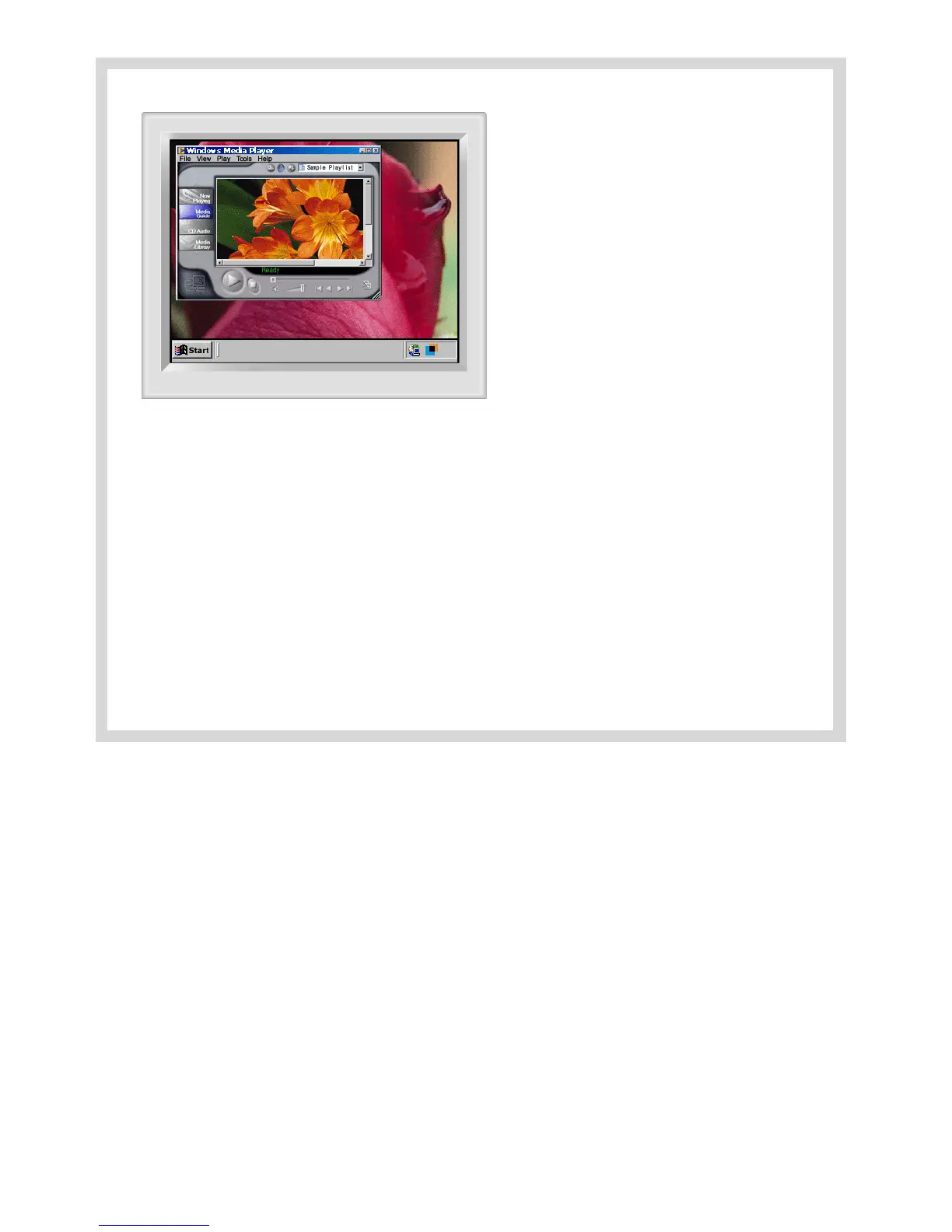
Automatic detect
Manual detect
Exit Program
Auto Detect
Picture Sett in g
F ull Screen
Highlig ht O ff
Other Features
Other Features
The Highlight Z one function remembers the variables of the selected areas in Automatic and Manual Detect modes, respectively.
1. If the window selected as a Highlight Zone is moved or its size changed, the Highlight Zone changes accordingly.
2. If an un-selected window overlaps the window selected as a Highlight Zone, the Highlight Zone of the selected window turns off.
However, it does not turn off the Zone completely and only makes the window shift to standby mode while the settings are saved. When the window is re-
activated, the Highlight Zone turns on again with the settings unchanged.
3. If another un-overlapped window beside one with a Highlight Zone is selected as a Highlight Z one, Highlight Zone function is activated for the two
separate windows simultaneously. (Up to two windows can be selected as a Highlight Zone and if another window is selected as a Highlight Zone, the
Highlight Z one of the previous windows turns off.)
When the Highlight Zone is created using the Drag function, the Zone functions independently of the above since it uses a random portion of the screen
instead of a particular window.
Note 1 : How to cancel the saved variables of a selected window.
1) When a window selected in Automatic Detect mode is replaced with another window also selected in Automatic Detect mode,
only the last selection is saved, and the Highlight Zone function is de-activated for the previous windows.
2) In Manual Detect mode, only the window (or the frame window) created last is saved, and the Highlight Zone function is de-activ ated for the
previous windows.
The Highlight Z one is de-selected when the program used to create the selected window is closed. The variables of the Highlight Z one created using
the Drag function are not saved.
Note 2 : The changes saved under Picture Setting of the Highlight Zone menu remain effective even after the program is closed using Exit Program.
(The next time you start the Highlight Zone program, the settings are shown as previously saved.)














 To Next Page