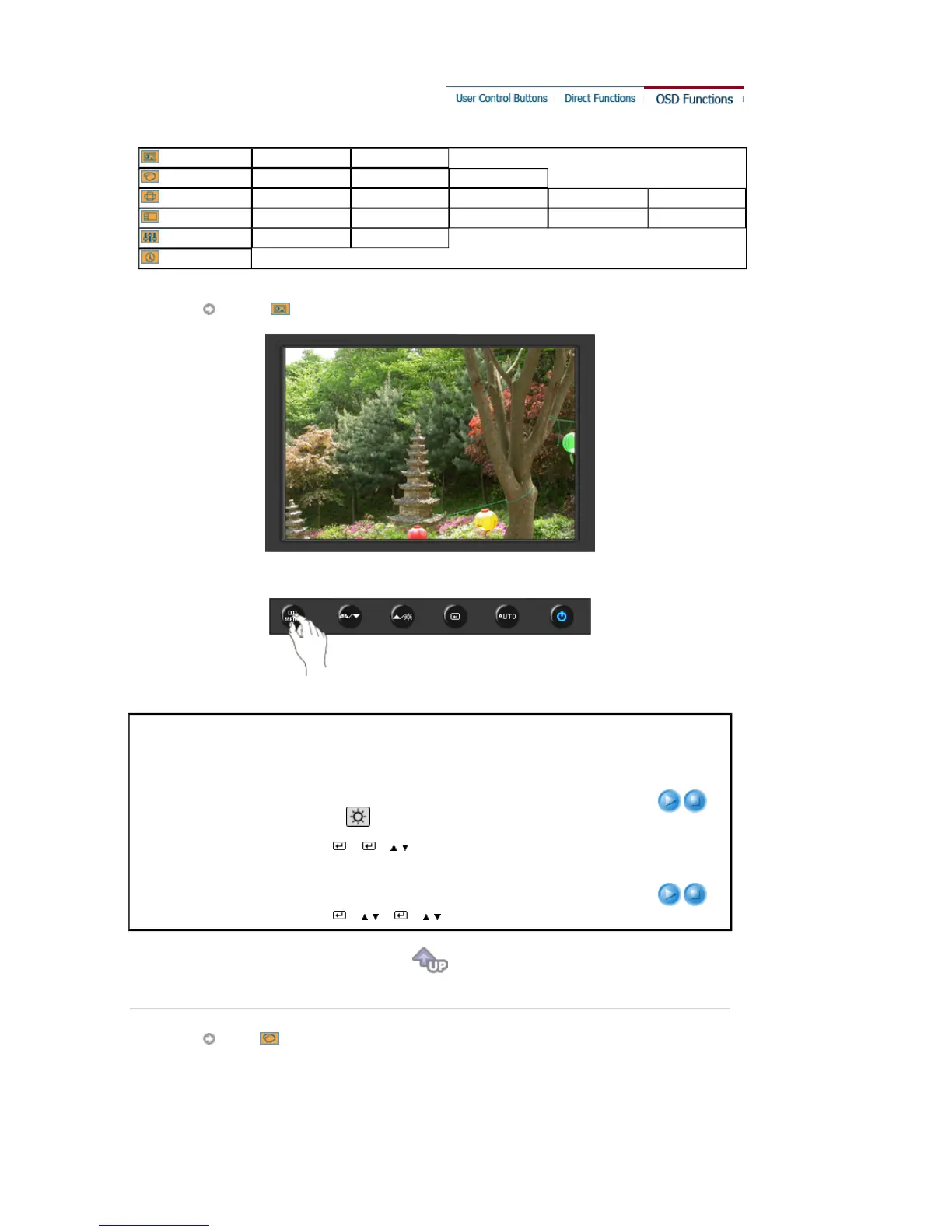
Picture
Brightness Contrast
Color
Color Tone Color Control Gamma
Image
Coarse Fine Sharpness H-Position V-Position
OSD
Language H-Position V-Position Transparency Display Time
Setup
Image Reset Color Reset
Information
Picture
Menu Description Play/Stop
Brightness
You can use the on-screen menus to change the
brightness according to personal preference.
Direct Access Feature
: When OSD is not on the screen,
push the [ ] button to adjust brightness.
[MENU
→
→
→
,
→
MENU]
Contrast
You can use the on-screen menus to change the contrast
according to personal preference.
[MENU
→
→
,
→
→
,
→
MENU]
Color











 To Next Page