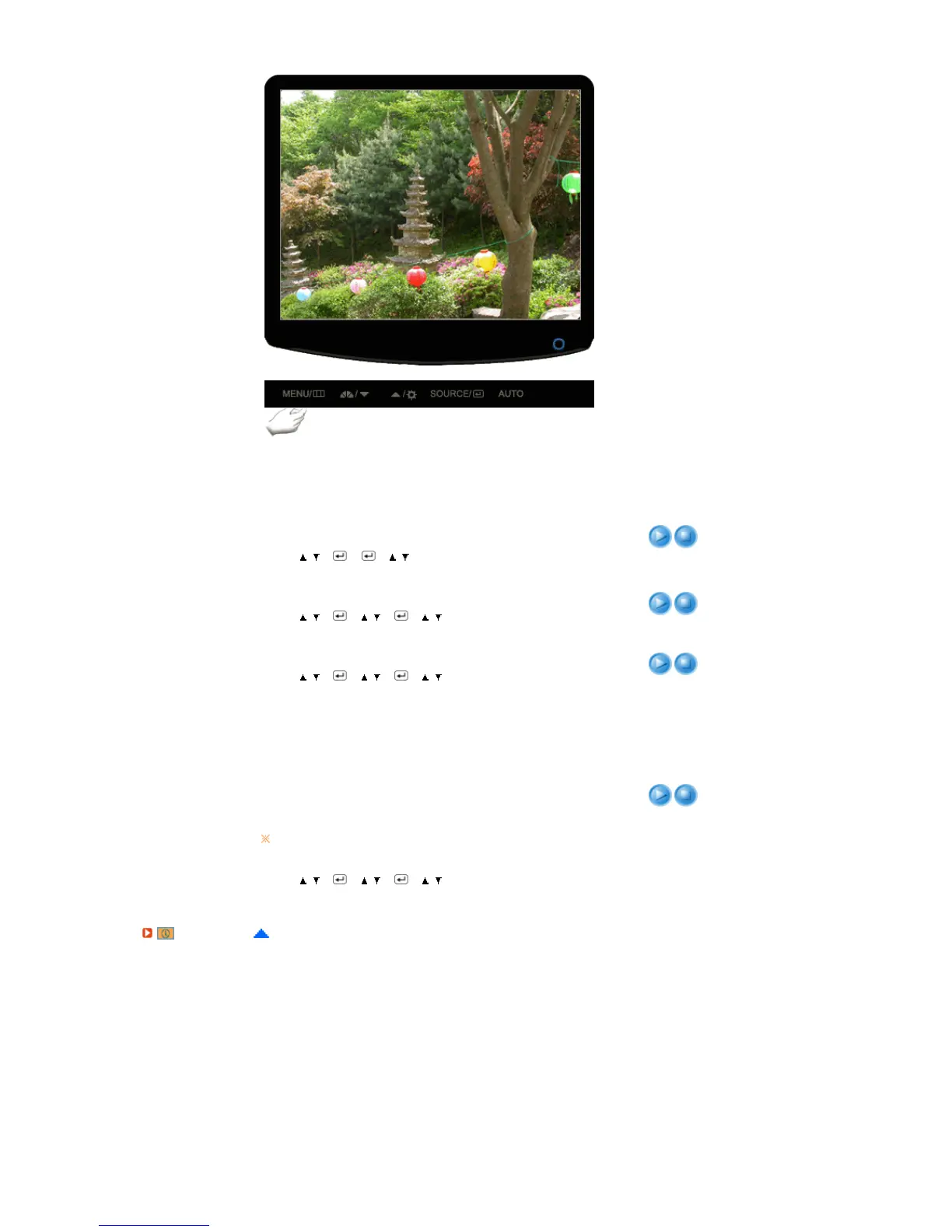
Menu Description Play/Stop
Auto Source
Select Auto Source for the monitor to automatically select the
signal source.
MENU
→
,
→
→
→
,
→
MEN U
Image Reset
Image parameters are replaced with the factory default values.
MENU
→
,
→
→
,
→
→
,
→
MEN U
Color Reset
Color parameters are replaced with the factory default values.
MENU
→
,
→
→
,
→
→
,
→
MEN U
RTA
RTA (Response Time Accelerator)
A function that accelerates the response speed of the panel so
as to provide a sharper and more natural video display.
MENU
→
,
→
→
,
→
→
,
→
MEN U
RTA On : Activates the RTA function so that the panel operates
at a higher response speed than its original speed.
RTA Off : Deactivates the RTA function so that the panel
operates at its original response speed.
If you turn the power off and on again after switching RTA off,
the RTA function is automatically switched On (Factory Setting)
Information










 To Next Page