Using the Product 3-5
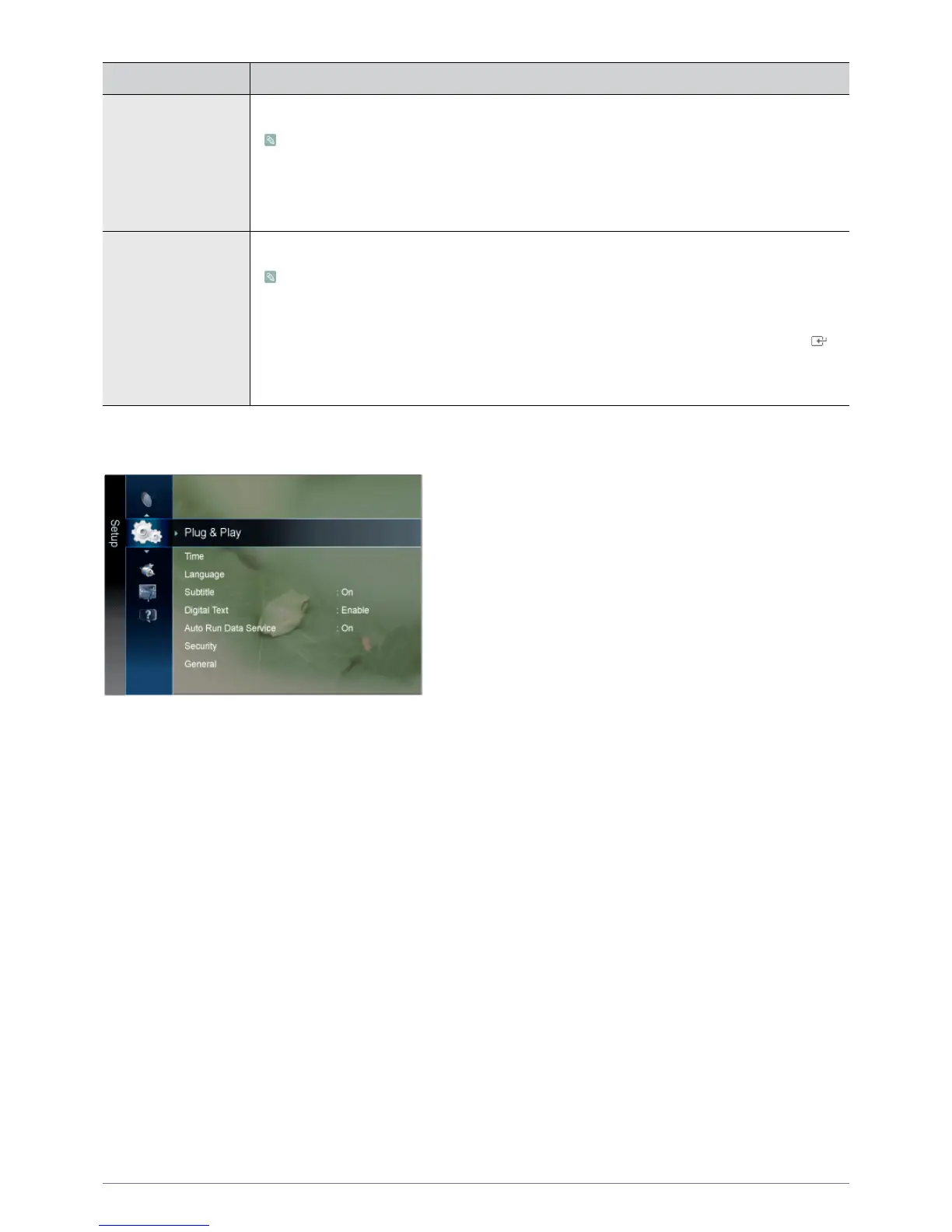
Setup
Channel List Transfer Imports or exports the channel map. You should connect a USB storage to use this function.
• The PIN number input screen appears. Enter your 4 digit PIN number.
• The default PIN number of a new TV set is 0-0-0-0.
• <Import from USB> : Import channel list from USB.
• <Export to USB> : Export channel list to USB.
Fine Tune Use fine tuning to manually adjust a particular channel for optimal reception.
• If you do not store the fine-tuned channel in memory, adjustments are not saved.
• Fine tuned channels that have been saved are marked with an asterisk ‘*’ on the right-hand
side of the channel number in the channel banner.
• To reset the fine tuning setting, press the ▼ button to select <Reset>, then press the [ ]
button.
• Only Analogue TV channels can be fine tuned.
MENU DESCRIPTION







 To Next Page