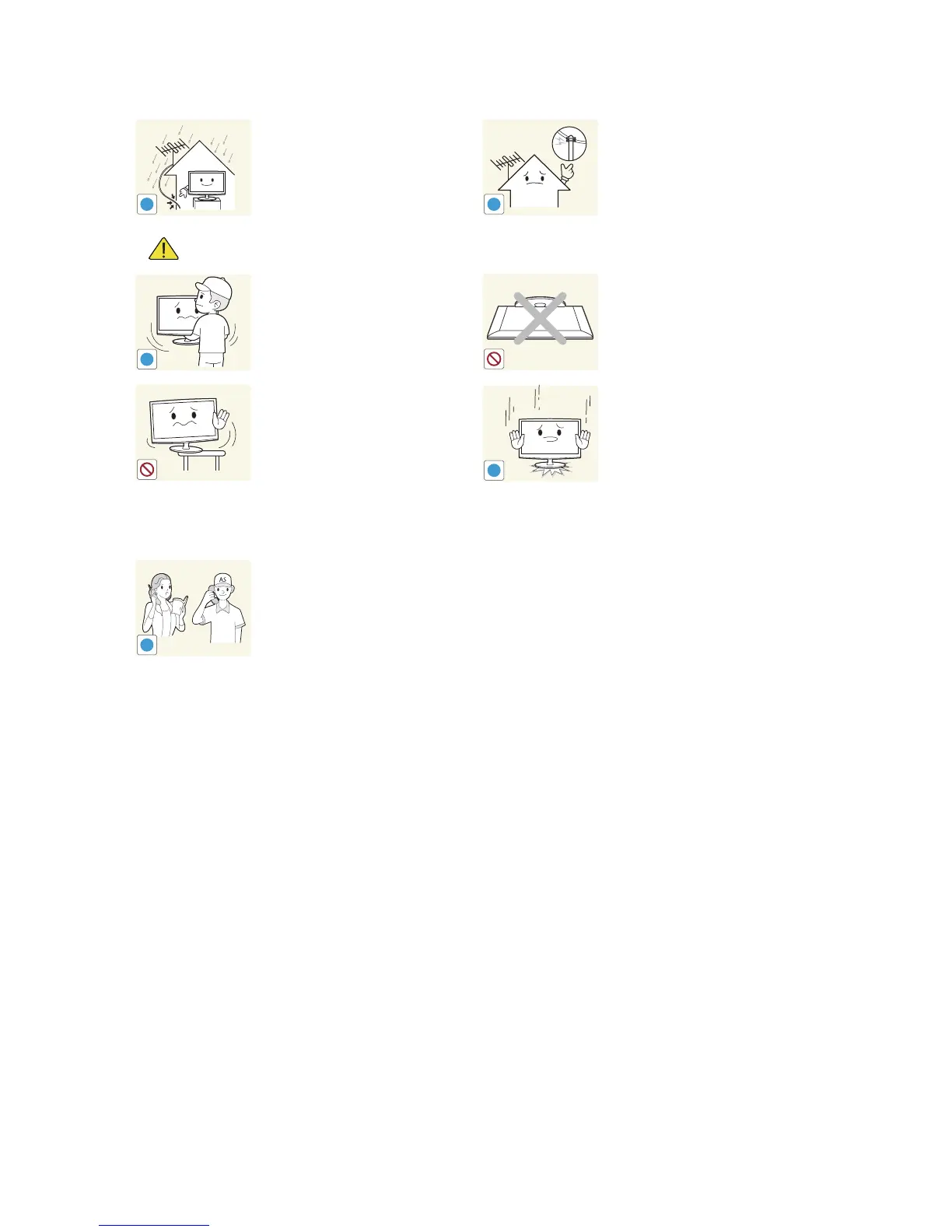
Bend the outdoor antenna cable
downwards at the location where it
comes in the house so that rainwater
does not flow in.
y If rainwater enters the product, it
may result in electric shock or fire.
Install the antenna far away from any
high voltage cables.
y If the antenna touches or falls onto
a high voltage cable, it may result in
electric shock or fire.
Caution
Do not let the product drop while
moving it.
y This may result in a problem with
the product or injury.
Do not place the product face down on
the floor.
y This may damage the panel of the
product.
When installing the product on a
console or shelf, make sure that the
front of the product does not protrude
out of the console or shelf.
y Otherwise, this may cause the
product to fall off and result in a
malfunction or injury.
y Make sure to use a cabinet or
shelf suitable to the size of the
product.
When putting the product down, handle
it gently.
y Otherwise, it may result in a
problem with the product or injury.
If the product is installed in a location
where the operating conditions vary
considerably, a serious quality problem
may occur due to the surrounding
environment. In this case, install the
product only after consulting one of our
service engineers about the matter.
y Places exposed to microscopic
dust, chemicals, too high or
low temperature, high humidity,
airports or stations where the
product is continuously used.





 To Next Page