Using the Product 3-5
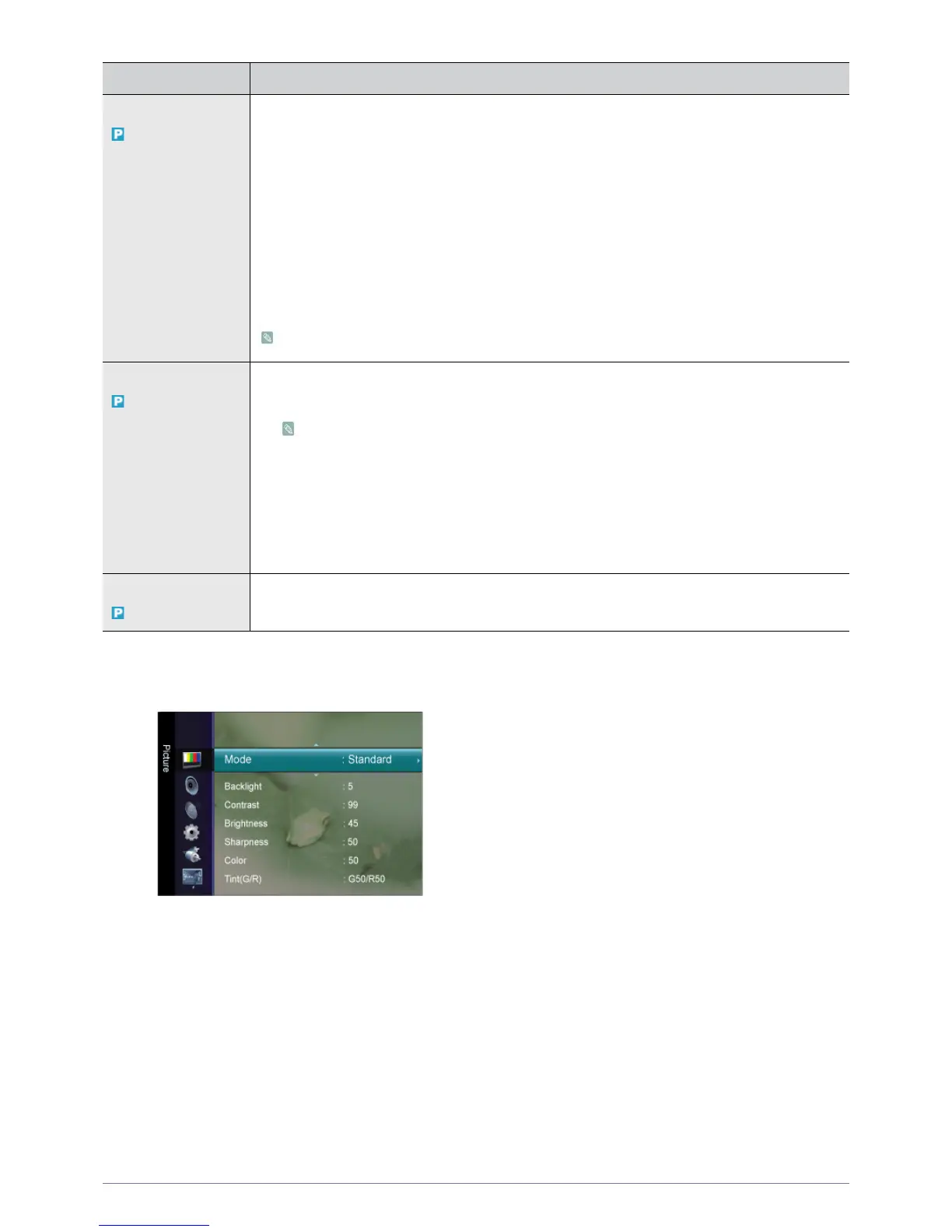
Picture [ TV / Ext. / Component / HDMI ]
Screen • <Coarse>
Removes noise such as vertical stripes.
<Coarse> adjustment may move the screen image area. You may relocate it to the center using
the horizontal control menu
•<Fine>
Removes noise such as horizontal stripes.
If the noise persists even after <Fine> tuning, repeat it after adjusting the frequency (Coarse).
• <PC Position>
Adjusts the screen location horizontally and vertically.
• <Image Reset>
Image parameters are replaced with the factory default values.
Available in <PC> Mode Only
Picture Options • <Color Tone>
The tone of the color can be changed.
Available in <PC> / <DVI> mode only
• <Cool> - <Normal> - <Warm> - <Custom>
• <R-Gain > - < G-Gain > - <B-Gain >
Adjusts the individual R, G, B (Red, Green, Blue) color controls.
• <Size>
You can switch the Size.
• <16:9> - <4:3>
Picture Reset Picture parameters are replaced with the factory default values.
• <Reset Picture Mode> - <Cancel>
MENU DESCRIPTION




 To Next Page