Using the product 3-5
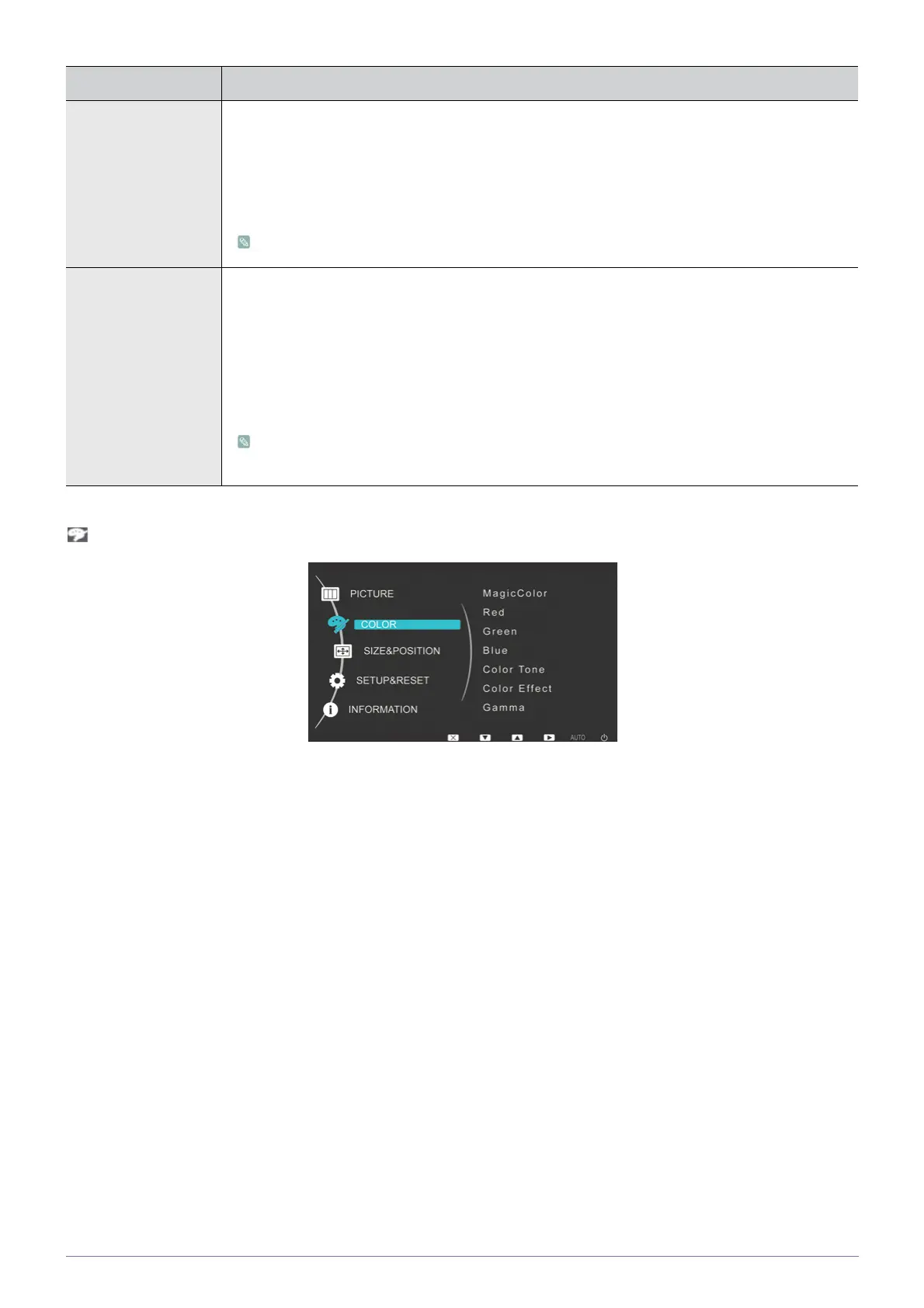
COLOR
Response Time Accelerates the response time of the LCD panel faster than the original response time so that moving
pictures appear sharper and more natural.
• <Normal>
• <Faster>
•<Fastest>
It is recommended setting the Normal or Faster when not viewing a movie.
HDMI Black Level When a DVD or set-top box is connected to your TV via <HDMI>, it may cause a degradation in the
screen quality, such as an increase in the black level, a low contrast, or discoloration, etc.,
depending on the external device connected. In this case, adjust the screen quality of your TV by
configuring the <HDMI Black Level>.
• <Normal>
• <Low>
This function is active only when the external device is connected via <HDMI>. The <HDMI
Black Level> function may not be compatible with all external devices.
MENU DESCRIPTION




 To Next Page