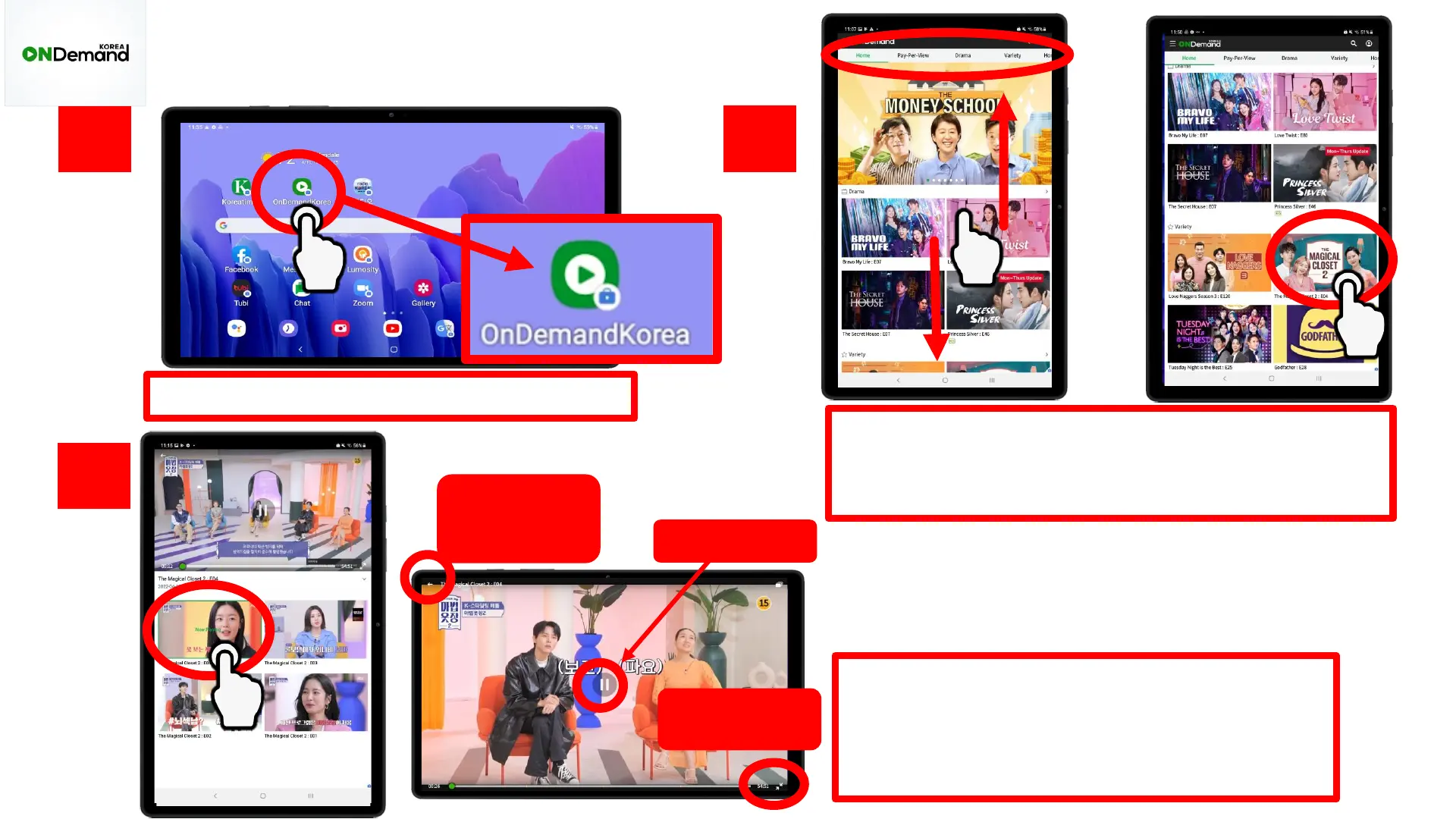
Tap the “OnDemand Korea” app
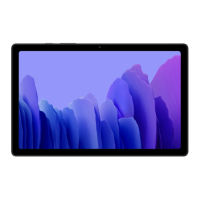
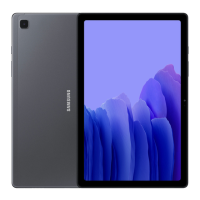
Use your tablet vertically to search for a show.
The top bar shows different genres. Click on a
show to watch
1.
2.
3.
You will see the different episodes
available to watch. Click on an episode to
play. Now, your tablet will automatically
change to horizontal mode.
OnDemand Korea
Go back to
find another
show
Make screen
smaller
Pause/play









 To Next Page