English - 24
5. Option button
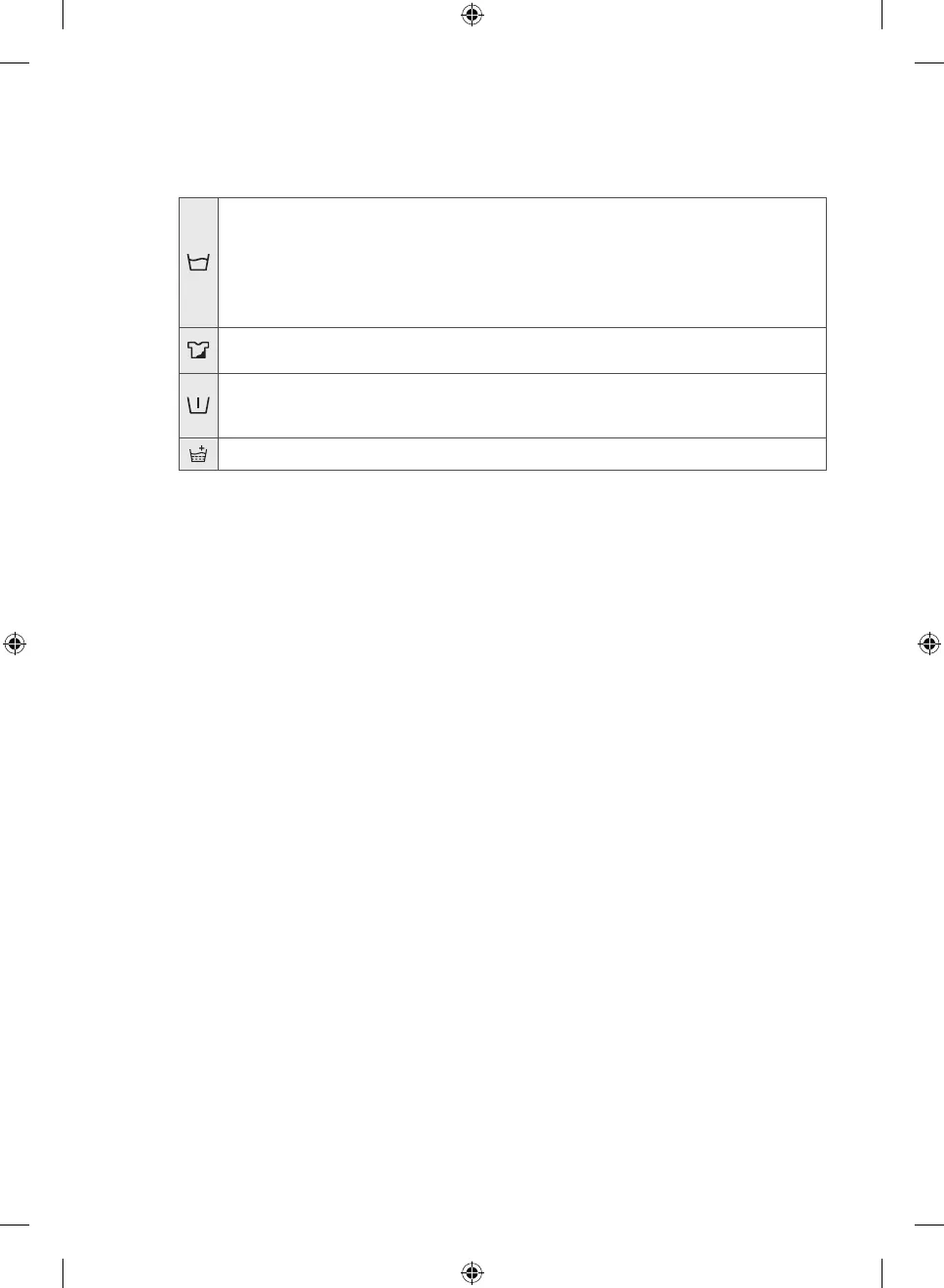
Press this button repeatedly to cycle through the options:
Soak > Intensive > Prewash > Rinse+ > Soak + Rinse+ > Intensive + Rinse+ > Prewash + Rinse+ > off
Soak: Use this function to effectively remove stains from your laundry by soaking your laundry.
• The Soak function is performed 13 minutes into the wash cycle.
• The Soak function operates for 30 minutes with six cycles, where one cycle is a soak cycle that
spins for 1 minute and stands still for 4 minutes.
• The Soak function is only available with the: Cotton, Synthetics, Stain Away, Daily Wash, Super
Eco Wash and Baby Care cycles.
Intensive: Use this function when the laundry is heavily soiled and needs to be washed intensively.
The cycle time is increased for each cycle.
Prewash: Use this function to prewash your laundry before the main wash cycle. The Prewash
function is only available with the Cotton, Synthetics, Stain Away, Daily Wash, Super Eco Wash and
Baby Care cycles.
Rinse+: Press this button to add additional rinse cycles.
6. Delay End button
Press this button repeatedly to cycle through the available Delay End options (from 3 hours to 19 hours in
one hour increments).
The hour displayed indicates the time when the wash will finish.
7. Start/Pause button
Press this button to pause and restart a cycle.
8. Power button
Press this button once to turn the washing machine on. Then press this button again to turn it off.
If the washing machine is left on for more than 10 minutes without any buttons being operated, the power
automatically turns off.
Untitled-36 24 2017-03-22 8:11:56



 To Next Page