© 2013 Samsung Telecommunications America, LLC. All rights reserved. Samsung and Galaxy S are both registered trademarks of Samsung Electronics Co., Ltd.
Overview
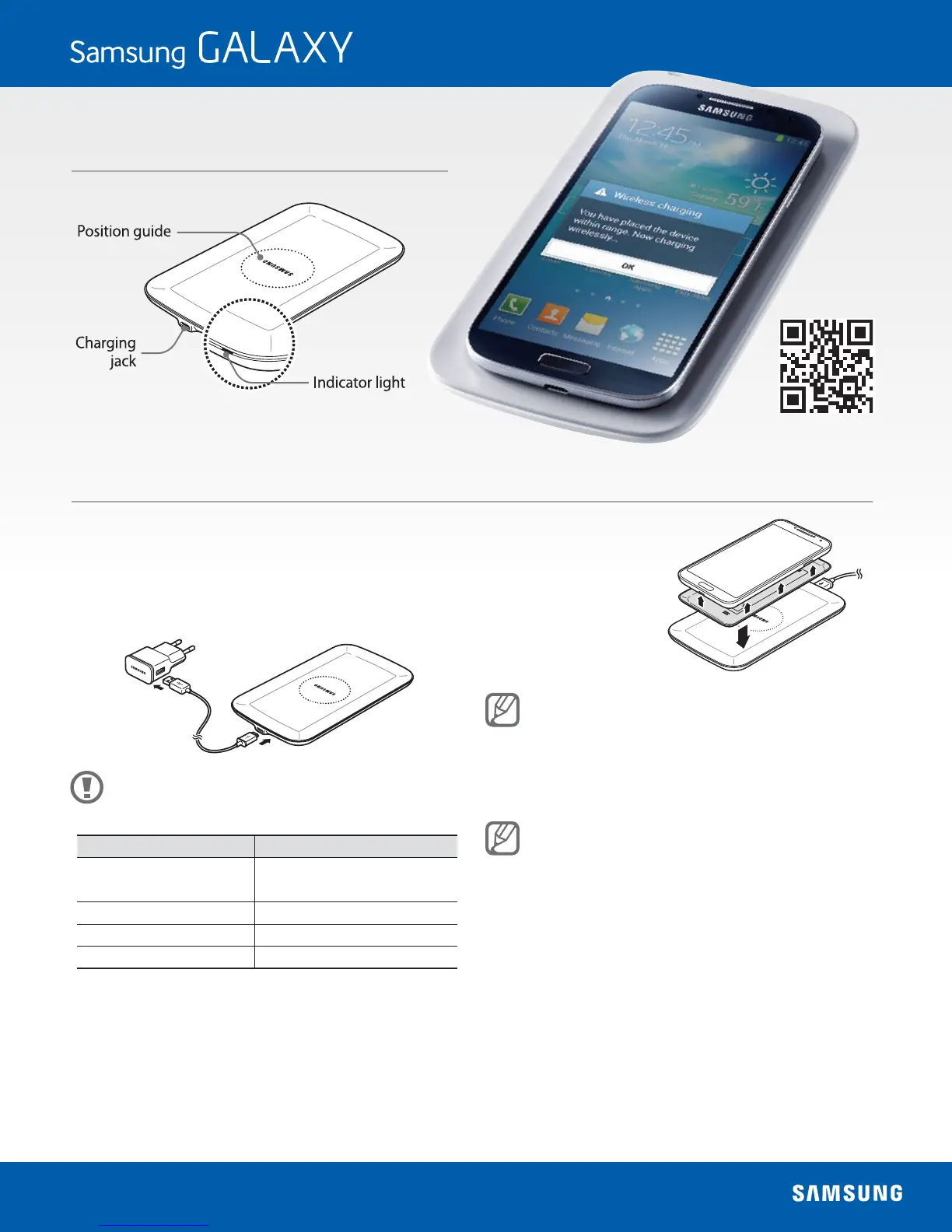
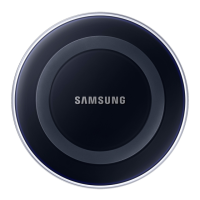
Using the Wireless Charging Pad
Connect the Wireless Charging Pad and a charger with a charging cable,
1
and plug the charger into an electric socket.
When the Wireless Charging Pad is connected to the
•
electric socket, the indicator light ashes from red to
green to orange, and then turns off.
Use only Samsung-approved chargers (over 2 A). Unauthorized
chargers may cause damage or malfunction.
Indicator light Device status
Red → Green → Orange
When connecting to the
power outlet
Orange When not charging properly
Green When charging properly
O When in Idle mode
Attach the Wireless Charging
2
Cover to a smartphone, and
then place the smartphone
on the Wireless Charging Pad.
The Wireless Charging Cover is sold separately. For more
information about the Wireless Charging Cover, refer to the
Wireless Charging Cover’s user manual.
When the smartphone is fully charged, disconnect the charger from
3
the Wireless Charging Pad.
Check the smartphone’s battery status looking at the charging
•
icon displayed on the screen.
Do not place any other object between the smartphone and the
•
Wireless Charging Pad. The smartphone may not charge properly.
Charging a smartphone with the Wireless Charging Pad in an area
•
with a weak signal may cause a signicant drop in reception.
The Wireless Charging Pad is compatible with WPC certied devices.
•
Scan for compatibility
and more information



 To Previous Page