12
GB
1. The radio alarm can be set either radio is on or off.
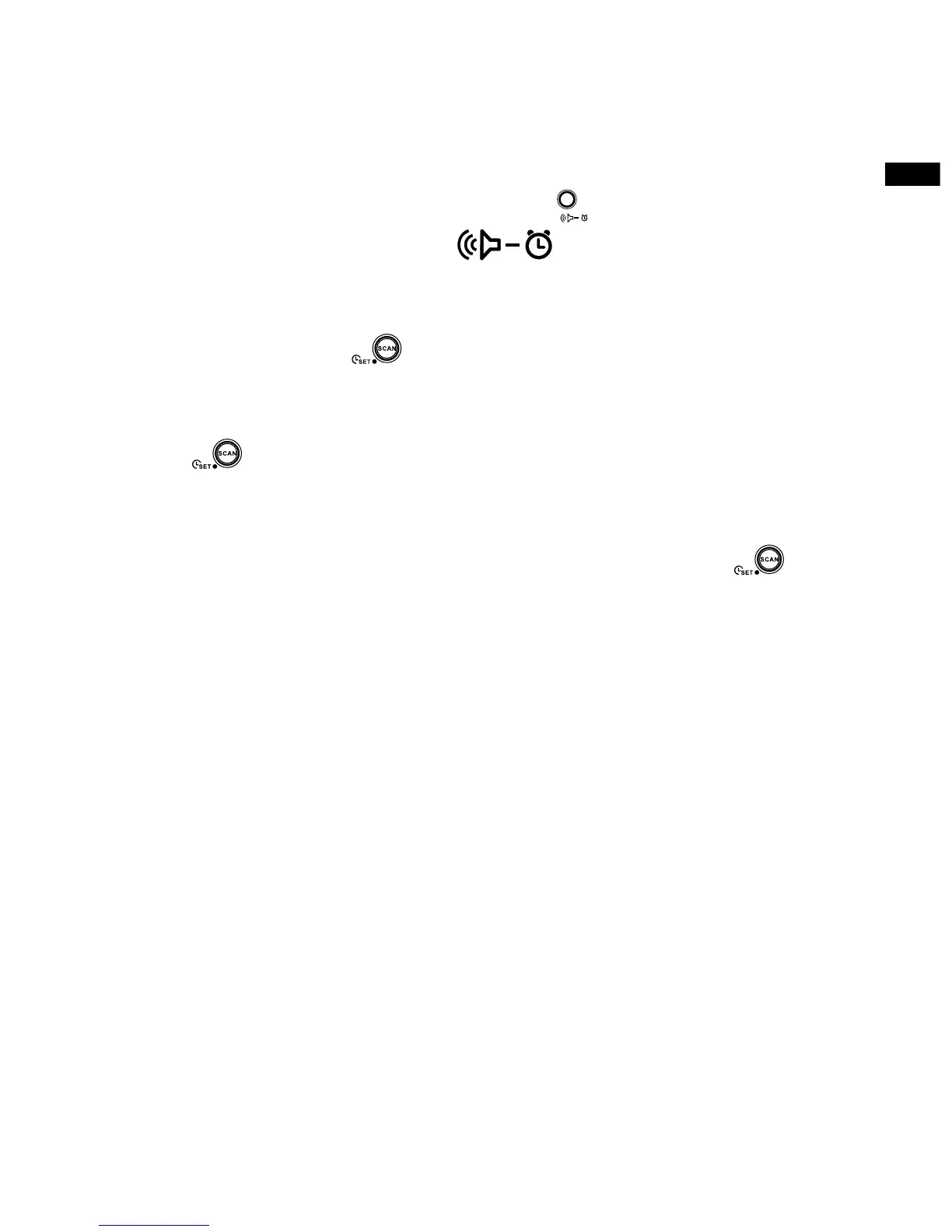
2. Press and hold the radio alarm button for 2 seconds, the radio
will show radio alarm symbol followed by a beep.
3. Display Hour will flash, using Tuning up/Down button to select
the hour then press button again to conrm hour setting.
4 Press the Tuning up/down button to select the desired minute and
press button to conrm minute setting.
5. While radio alarm symbol is ashing, press the Tuning up/down to
select desired wake-up band and station, then press button
to conrm the selection. Radio alarm setting is now completed.
Active alarms are shown using alarm indicator on the display.
6. To cancel a sounding alarm, press the Standby button to cancel a
sounding alarm.
7. To cancel the radio alarm setting before the alarm sounds off,
press and hold the radio alarm button for 2 seconds (followed by
a beep).
Note:
If the signal of the set station cannot be found, the buzzer alarm
will be used instead.


 To Next Page