81
82
7.2Usual faults and solutions
During the operation of inverter, it may come across the following situations,
please analyze according to the following methods:
No display after being electrified:
Use avometer to measure the input power supply of inverter, to see if it
accords with the rated voltage of inverter. If there is something wrong with the
power supply, please check and eliminate. Check the three-phase rectifier
bridge to see if it is in good condition. If not, please ask for service.
Check if the lamp CHARGE is on, if not, the fault usually is on rectifier bridge
or buffer resistor, if this lamp is on, then the fault usually is on the switching
power supply. Please ask for service.
Air switch of power supply trips after power on:
Check if there is earthing or short-circuit situation among input power
supplies, eliminate the problems.
Check if the rectifier bridge has been broken down, if it is, ask for service.
The motor is failed to run when the inverter has been put into operation:
Check if there is balanced three-phase output among U, V and W, if there is,
then the motor line or motor itself is damaged, or motor is blocked due to
mechanical cause, please eliminate the cause.
When there is output with unbalanced three-phase, then the drive board of
inverter or output module may be damaged, please ask for service.
If there no output voltage, then the drive board or output module may be
damaged, please ask for service.
The inverter displays normally after power on, but air switch of power supply
trips after running:
Check if the interphase among the output modules has short-circuit
situation, if there is, please ask for service. Check if there is short-circuit or
earthing condition among motor lead wires, if there is, please eliminate.
If the trip phenomenon appears sporadically, and the motor is far away from
the inverter, please consider adding an output AC reactor.
Chapter 7: Fault diagnosis
Warning
■ Maintenance personnel should carry out maintenance according to the specified methods.
■ Please ask for professional and qualified personnel to carry out the maintenance.
■ Before maintaining, please cut off the power supply of inverter first, and carry out maintenance 10min
later.
■ Don't touch the elements and components on the PCB plate directly, otherwise, the static electricity
may damage the inverter.
■ When the maintenance is finished, make sure that all the screws have been tightened.
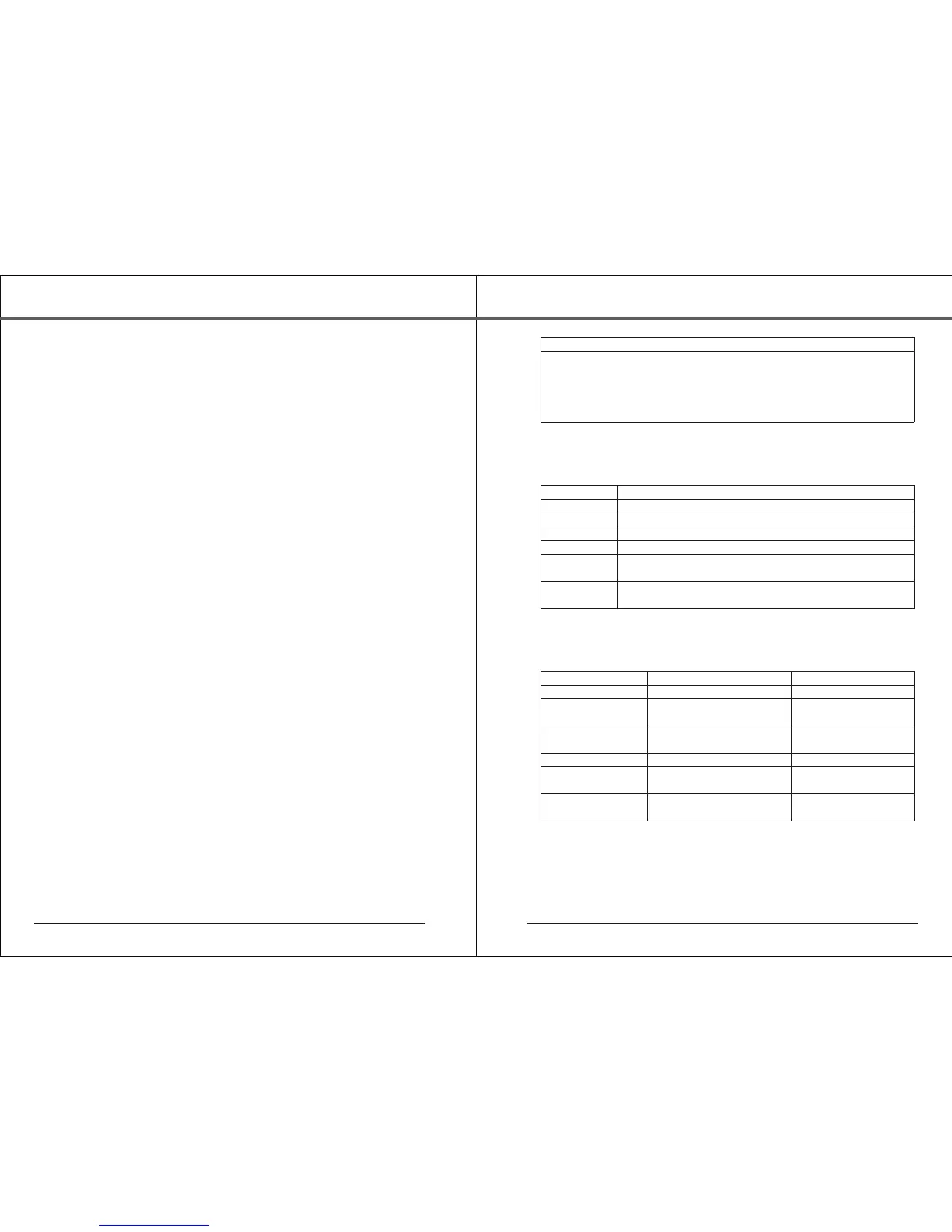
Inspection item
Temp./humidity
Oil mist and dust
Inverter
Fan
Input power supply
Motor
Content
Make sure that the temperature is within 0℃~50℃, humidity is within 20~90%
Make sure that no oil mist, dust or condensate water remain in the inverter
Check if the inverter has abnormal heating or abnormal vibration
Make sure that the fan runs normally without any block situation
Make sure that the voltage and frequency of input power supply remain within the
permissible range
Check if the motor has abnormal vibration, heating, abnormal noise, open-phase
or other problems.
Inspection item
Screws of external terminals
PCB plate
Fan
Radiator
Power components
Electrolytic capacitor
Content
Whether the screws are loosened or not
Dust, dirt
Abnormal noise or vibration, whether
cumulative time reaches 20000h or not
Dust, dirt
Dust, dirt
If it changes color or has peculiar smell
Elimination methods
Tighten them
Clear away foreign matters thoroughly
with dry compressed air
1.Clear away foreign matters
2.Change the fan
Clear away foreign matters thoroughly
with dry compressed air
Clear away foreign matters thoroughly
with dry compressed air
Change the electrolytic capacitor
8.1Daily maintenance
In order to protect the inverter from faults, guaranteeing normal running of
equipment, and prolong service life of inverter, please carry out daily
maintenance to the inverter, content of daily maintenance as follows:
8.2Regular maintenance
In order to protect the inverter from faults, guaranteeing long-term high-
performance and stable running, users must detect the inverter periodically
(within half a year), detection content as follows:
8.3Change of wearable parts of inverter
Fan and electrolytic capacitor inside the inverter are wear parts, in order to
guarantee long-term, safety and fault-free running of inverter, please change
the wear parts regularly, changing time as follows:
Fan: it should be changed after 20000h of working
Electrolytic capacitor: it should be changed after 30000~40000h of working
Chapter 8: Maintenance



 To Next Page
 Loading...