CITRIX RECEIVER USER GUIDE
11
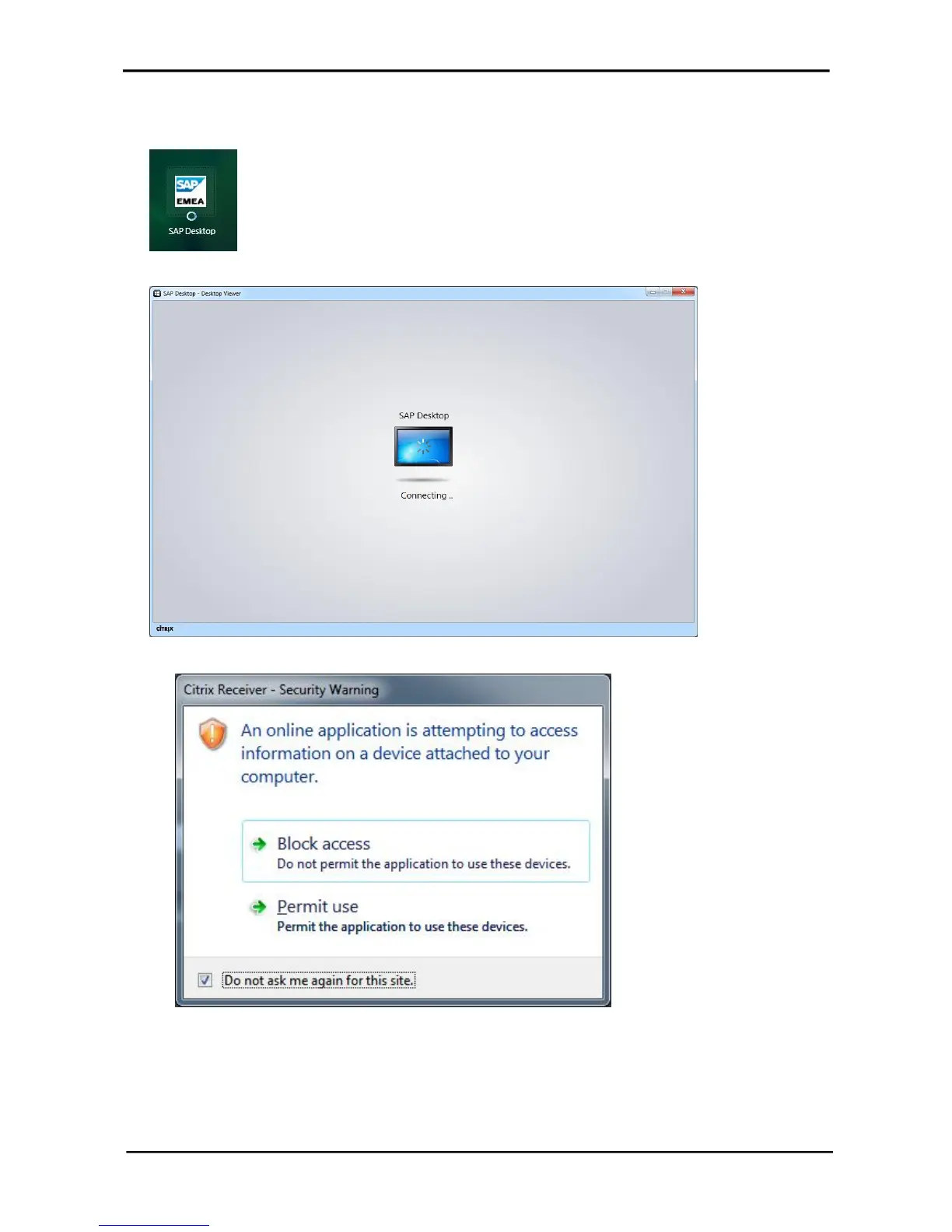
3. Click the SAP Desktop icon to start a session. (A spinning circle appears while the session
loads.
The session window appears and you see the logon process.
You may be prompted with the following pop-up.
If this occurs, you can choose to block or permit the session access to your local resources. You
can change this later as well via the Citrix Toolbar.



 To Next Page