| 33
To ensure the best experience with the
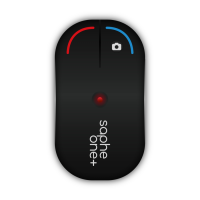
Saphe One, you can use the following
steps as a checklist.
Always bring your smartphone.
Saphe One and your smartphone are
connected correctly through the Saphe
Link app.
Bluetooth is always enabled on your
smartphone.
Location settings for Saphe Link app is
set to ’Always turned on’.
Your smartphone is recently updated.
Placing your smartphone in a purse or in
your pocket could block the GPS signal.


 To Next Page