| 5
12:34 4G
Paired devices
Unknown devices
Saphe Link
Saphe One +
1 x
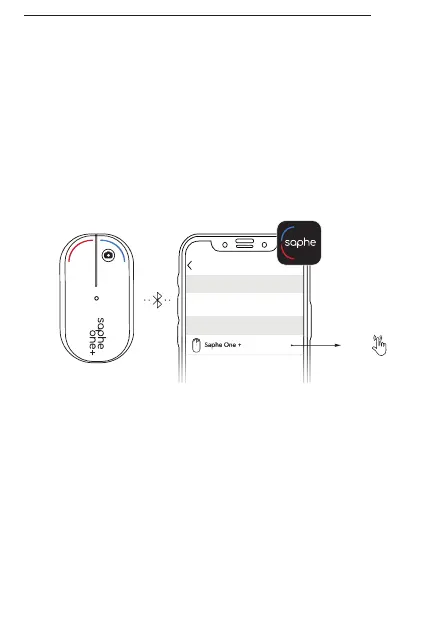
Find ’Devices’ in the Saphe Link
app menu. Select Saphe One under
’Unknown devices’ to pair. After the
connection has been established an
icon is shown on the start page of the
application. Make sure that Bluetooth
is set to be always on.
EN


 To Next Page