Operation Guide
1. Press and hold the power button for 2 seconds to turn on the BTW.
2. Pairing.
Automatic connection:
Turn on the Bluetooth of the last device connected, and then turn on the
BTW, the connection between the device and the BTW with will be
automatically established.
3. Open a third-party audio or video app and start recording.
For better recording experience, the application SmartRecorder is
recommended.
Please scan the following QR code to download and install SmartRecorder.
øĆėĆĒĔēĎĈÅçùü
First time pairing:
① The BTW will enter pairing
mode automatically after power
on. The indicator flashes blue and
green alternately.
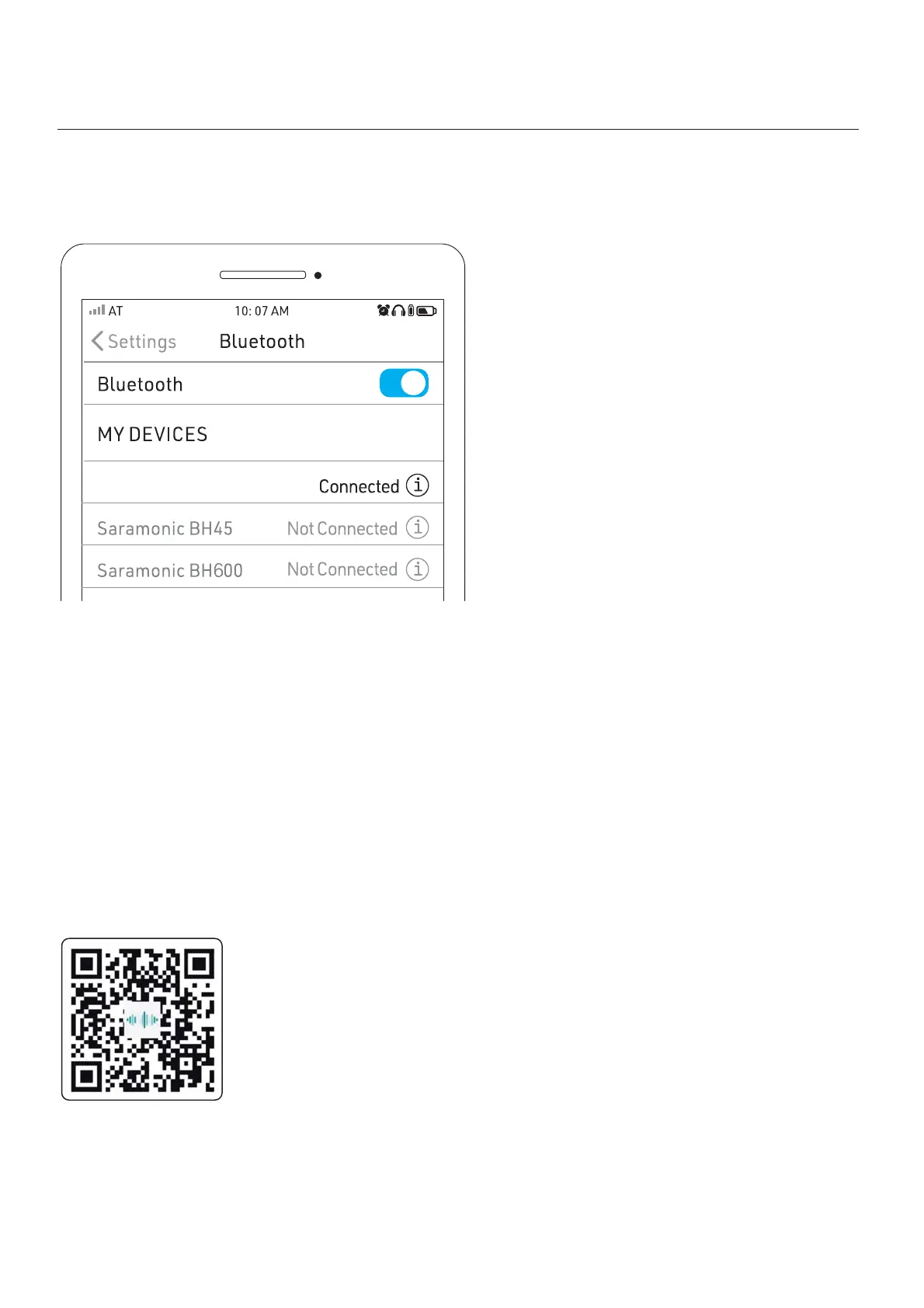
② Turn on Bluetooth, then select
“Saramonic BTW” on your device.
③ When connected successfully,
the indicator flashes blue slowly.
05
SmartRecorder



 To Next Page