13
Device description and installation
Installation and wiring
Again, before preforming the installation and wiring, make sure you’ve read all of the safety instructions and turned off
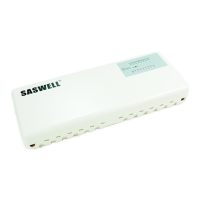
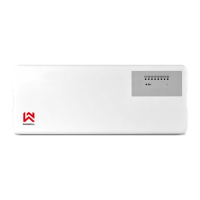
the main power supply! Before installation and wiring, you’re going to have to open the housing. You can do that by
pressing on pins on the sides of the case and slowly remove the front part. Now you have access to the electronic
board. Perform the electrical wiring by your needs and place the housing on the desired place on your wall. After
you’ve done the wiring and the installation, put the front part back on the case and now you’ve finished the installation
procedure.
3 421 75 6 8
87654321
1 2 3 4 5 6 7 8
8
65 7
1 2 43
1 2 3 4 5 6 7 8
8
65 71 2 43
L
N
Fig.1 .Size Fig.3 .Power input
Fig.2 .Open Fig.4 .Return back
Open
Open


 To Next Page
 Loading...