(flashing),and the currently programmed temperature.
9) Repeat steps 3 thru 7 to complete Saturday and Sunday programming.
10) When you have completed entering your heating program, press RUN.
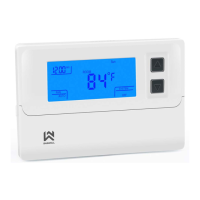
Thermostat Buttons and Switches
Enter the Cooling Program
Caution! If the outside temperature is below 50ºF; disconnect power to
the cooling system before programming. Energizing the air conditioner
compressor during cold weather may cause property damage.
1) Move the SYSTEM switch to the COOL position.
2) Follow “Enter the Heating Program” for entering your cooling program,
using your selected cooling times and temperatures.


 To Next Page
 Loading...










