The keyboard can be used in wired mode by pressing
“Fn + Eject” while the cable is connected.
Press “Fn + Bluetooth key” to switch back to wireless
mode
5
Press “Fn + Esc” to swap between Media and Fn keys.
6
2-3h
To recharge, connect the keyboard to a powered
USB-C port using the included cable. Charge for 2-3
hours or until the red charging light turns green.
Power indicator light will flash green when on low
battery
4
Zzz
After 30 minutes of inactivity, the keyboard will go into
sleep mode to preserve battery.
Press any key to wake and the keyboard will
automatically connect.
3
3s
Press and hold one of the keyboard’s Bluetooth keys
for ~3 seconds, until the LED light starts to blink.
Select “Slim X3 Keyboard” on the host device’s
Bluetooth settings to complete the pairing process.
Repeat for each button to connect up to four devices
2
To turn on the keyboard, move the switch on the top of
the keyboard to the “on” position.
The power indicator light should turn green for
~3 seconds, then turn o
1
SLIM X3 BLUETOOTH BACKLIT KEYBOARD
INSTRUCTIONAL GUIDE


 Need help?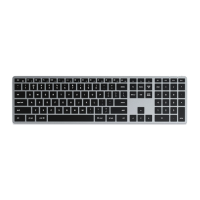

 General