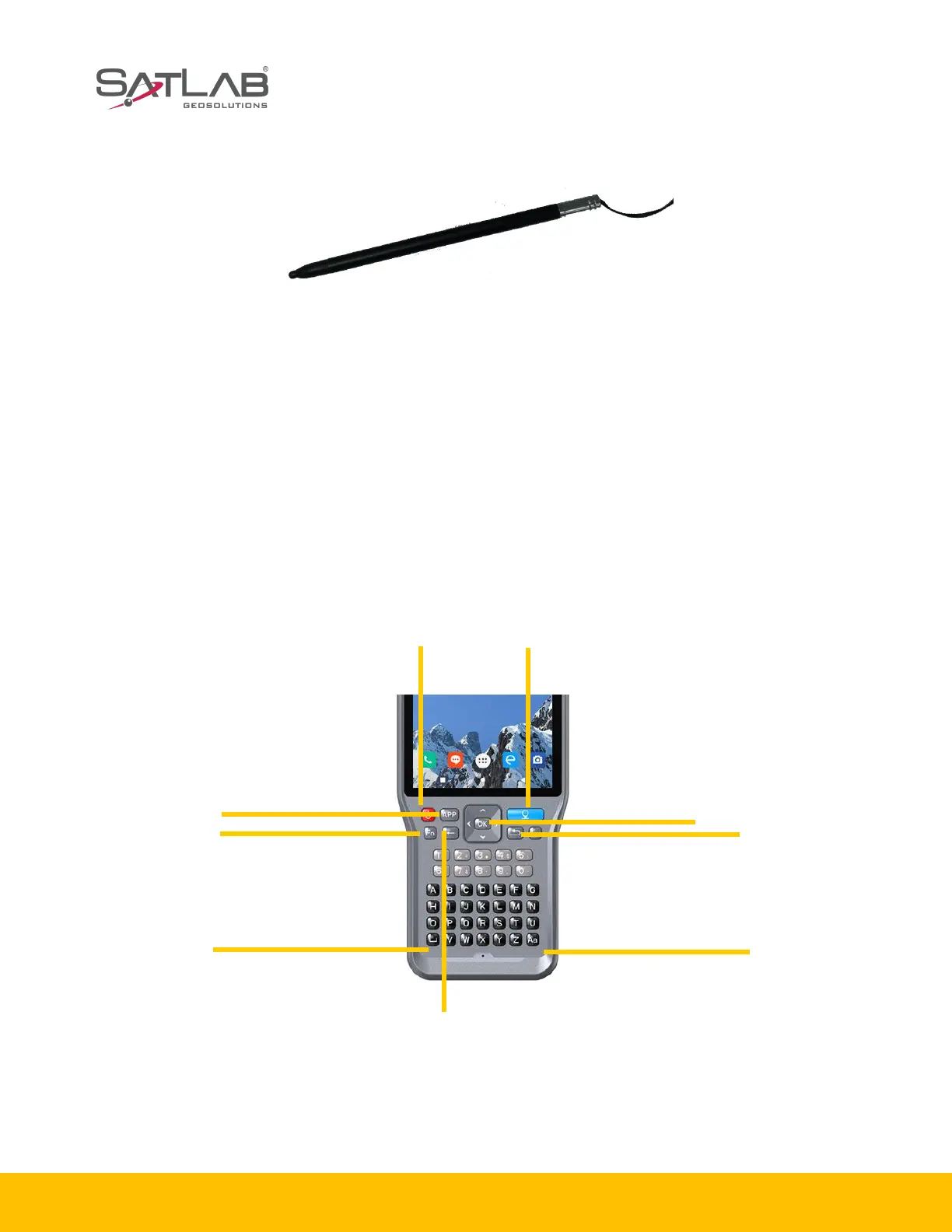
1.3.2 Touch pen
Figure 1-3-2 Touch pen
Touch pen: located on the strap of the controller.
1.4 Operation
1.4.1 Keyboard
Most settings and operations of the SHC55 hand-held controller can be completed by the touch pen,
and commonly used operations can be completed on the keyboard. Appearance and functions of the
keyboard are as follows.
SHC55 keyboard includes Back, OK, Power, APP, Fn, Collect, etc.
Figure 1-4-1 Keyboard



 To Next Page