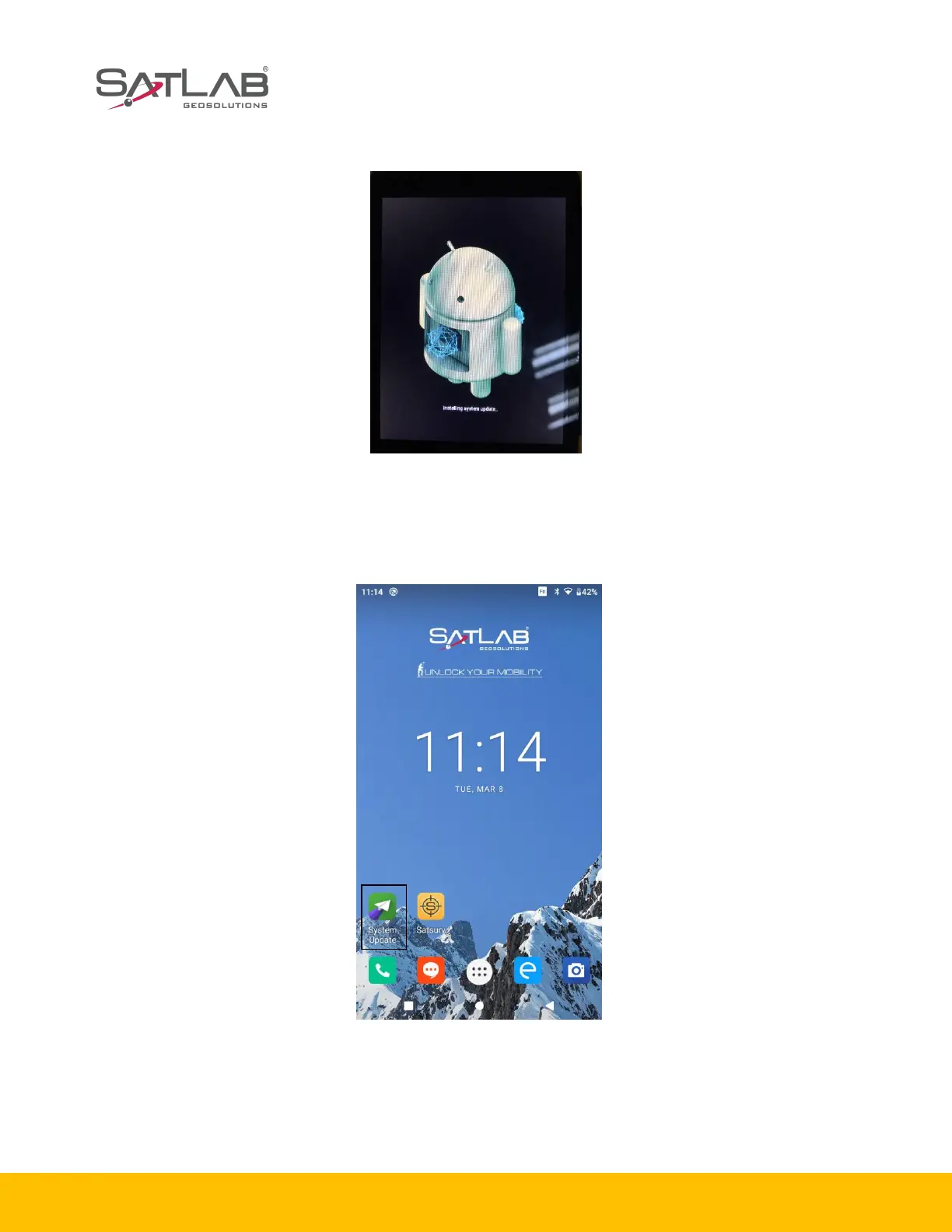
Step8: the system will restart and begin to update.
Figure 1-5-12 Interface of upgrade
2. Wireless update
Step1: select the System Update App.
6
Figure 1-5-13 Update App
Step2: after entering the System update App, if there is a new version, the interface will show it and
display the update. The complete update content will appear if you draw up the screen.
Step3: click Download, the firmware update patch will be downloaded.



 To Next Page