1.2 Appearance
1.2.1 Front of the controller
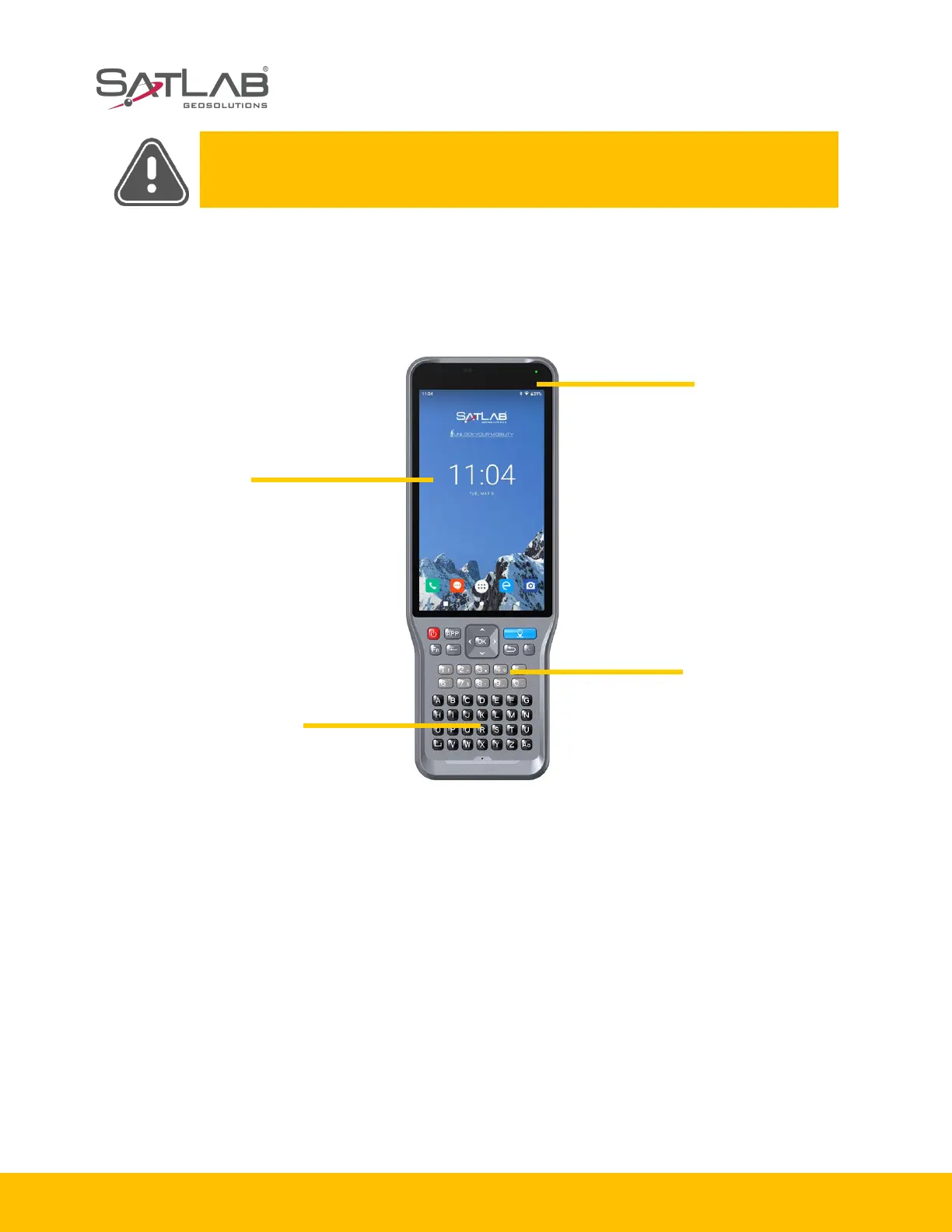
The front of the SHC55 controller includes a touch screen, keyboard microphone and indictor light.
Figure 1-2-1 SHC55 controller
- Touch screen: multipoint capacitive touch screen with touch pen (open the touch pen function:
Settings - Accessibility - Handwriting pen), which supports Chinese and English input.
- Keyboard: direction control, switch between Chinese and English, data collection, volume control,
power on, power off and other functions.
- Microphone: the internal microphone can be used for field collection of voice messages.


 To Next Page
 Loading...