Copying
36
2
A
AA
A
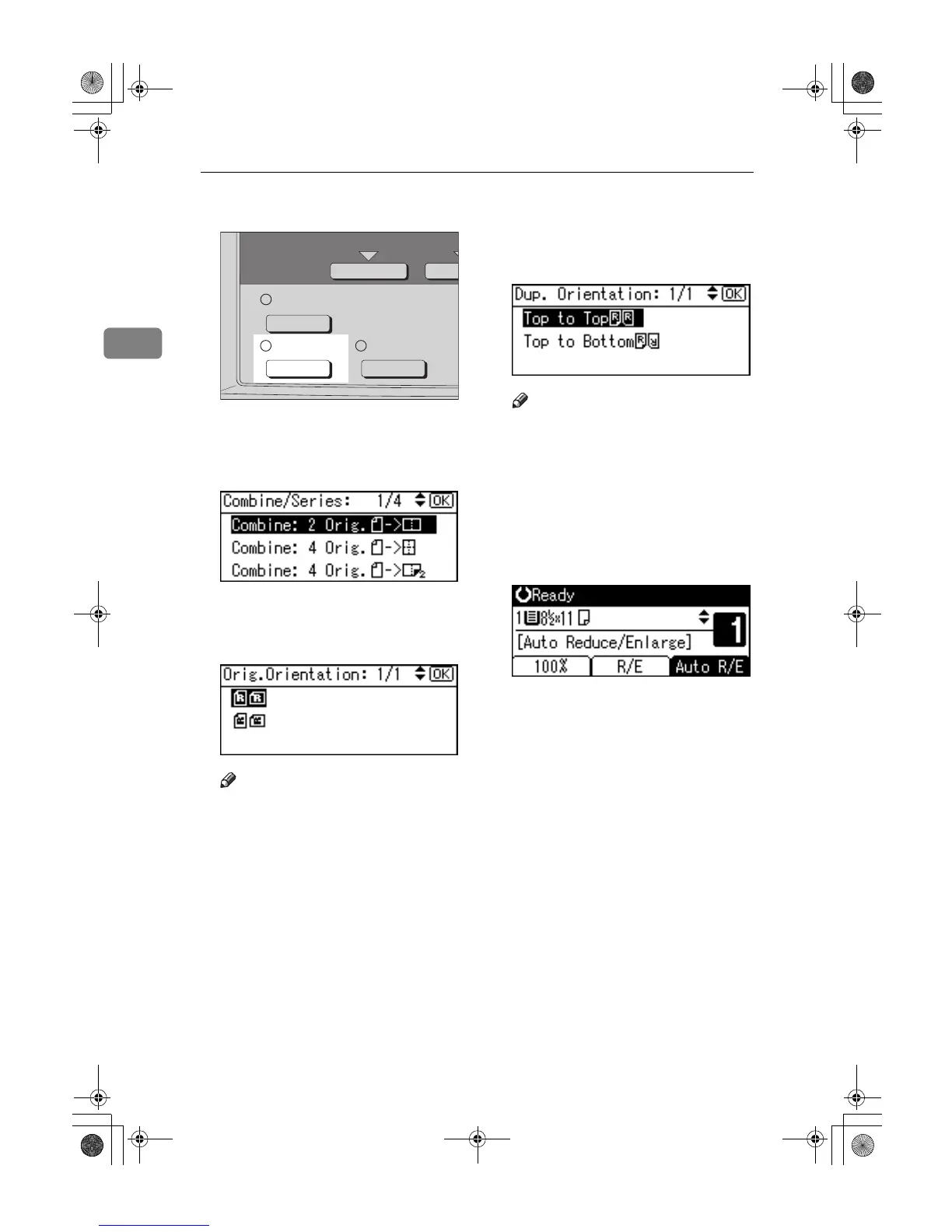
Press the {
{{
{Combine/Series}
}}
} key.
B
BB
B
Select the combine mode using
{
{{
{U
UU
U}
}}
} or {
{{
{T
TT
T}
}}
}, and then press the
{
{{
{OK}
}}
} key.
C
CC
C
Select the orientation using {
{{
{U
UU
U}
}}
}
or {
{{
{T
TT
T}
}}
}, and then press the {
{{
{OK}
}}
}
key.
Note
❒ The operation of step
C
to
D
are
necessary when [Always Specify]
is specified for [Orientation] un-
der
[Copier Features]
(User Tools),
you can select the orientation of
originals and two-sided copy-
ing paper. p.54 “Orientation”. If
it was not specified for, proceed
to
E
.
D
DD
D
When selecting two-sided copy-
ing, select the orientation [Top to
Top] or [Top to Bottom] using {
{{
{U
UU
U}
}}
} or
{
{{
{T
TT
T}
}}
}, and then press the {
{{
{OK}
}}
} key.
Note
❒ To change the copy orientation,
select the original icon whose
orientation is that required . See
p.32 “Original orientation and
completed copies”.
The “
Accepted
” message appears.
E
EE
E
Select the paper size using {
{{
{U
UU
U}
}}
} or
{
{{
{T
TT
T}
}}
}.
F
FF
F
Place your originals, and then
press the {
{{
{Start}
}}
} key.
Combine/
Series
Duplex
Sort
AAI047S
KirC2_ENcopyF_FM.book Page 36 Monday, September 22, 2003 11:36 AM



 To Next Page