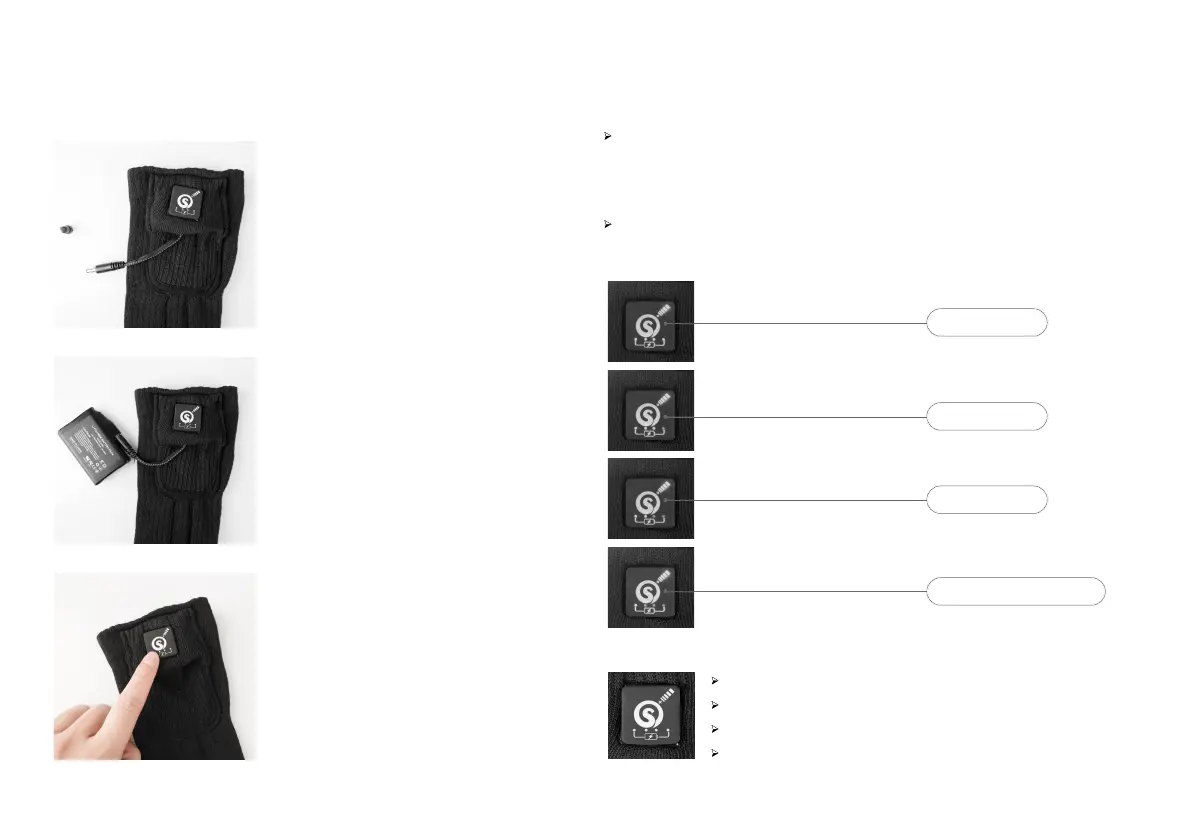
High Level with Red LED – Press power button for 3 seconds 1st Time .
Medium Level with White LED – Press power button 2nd Time .
Low Level with Blue LED – Press power button 3rd Time .
Turn Off – Press power button 4th Time.
How to Use the Heated Socks?
Turn on the switch will go to high level, five minutes later will automatically
jump to medium level, if you need a higher temperature, you can adjust
back to high level, after that will not change automatically.
Four battery power indicators. Each time the heating gear is adjusted,
the battery power indicator will light up and turn off after 5 seconds.
Special Feature Description
100% 4 lights on
75% 3 lights on
50% 2 lights on
25% 1 light will keep flashing
Find out the electric wire from
the battery pocket
Connect the batteries
Long Press for 3s to Turn On/Off
Every short press the button,
it will change a level:
Red light: High level
White light: Medium Level
Blue light: Low level
01
02
03


 To Next Page
 Loading...