EasyManua.ls Logo

Schwaiger AVS5010 011 - User Manual

Schwaiger AVS5010 011
18 pages
Print Icon
To Next Page IconTo Next Page
Loading...
Christian Schwaiger GmbH & Co. KG
Würzburger Str. 17
D-90579 Langenzenn
TEL: 09101 / 702 - 0
Hotline TEL: 09101 / 702 - 299
FAX: 09101 / 702 - 121
E-mail: info@schwaiger.de
Web Site: http://www.schwaiger.de
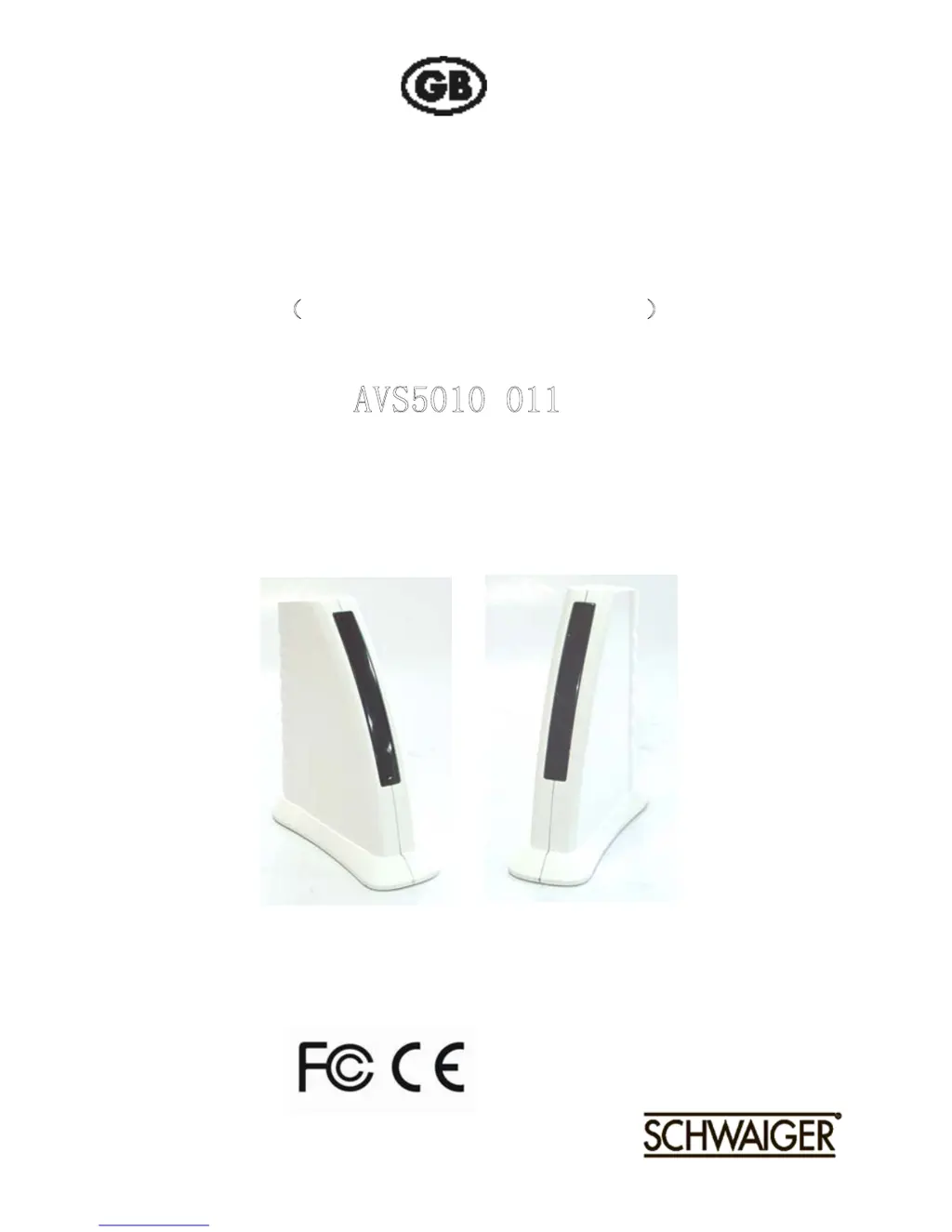
2.4GHz WIRELESS AV LINK
OWNER’S MANUAL
PLEASE READ BEFORE USE
A
VS5010 011
PLEASE CONSULT THE BACK COVER OF THIS
OWNER’S MANUAL FOR MODEL AND FEATURE
0336

Questions and Answers

Summary

Important Safety Precautions

Checking Contents of Box

Introduction to 2.4 GHz Wireless AV Link

General System Applications

Describes common uses for the wireless AV system in various home scenarios.

Safety and Security Applications

Details how the system can be used for monitoring and security purposes.

Using Attention and Precautions

Product Layout Overview

Front View of Receiver

Diagrams and labels identifying key components and ports on the receiver unit's front.

Rear View of Transmitter

Rear View of Receiver

Setting Up the 2.4 GHz Wireless AV Link

Transmit Audio;Video from VCR

Transmit RCA from Satellite Receiver

Receive Wireless Audio;Video Signals on TV

Connect Receiver Directly to Remote TV

Detailed steps for connecting the receiver directly to a remote television set.

Connect Receiver to Remote TV via VCR

Orienting Units for Optimum Performance

Audio;Video Quality Adjustment

Adjusting settings to achieve optimal audio and video broadcast quality.

Using the Remote Control Feature

Explains how to use the IR extender to control AV sources remotely.

Troubleshooting, Care, and Maintenance

Product Specifications

Summary

Important Safety Precautions

Checking Contents of Box

Introduction to 2.4 GHz Wireless AV Link

General System Applications

Describes common uses for the wireless AV system in various home scenarios.

Safety and Security Applications

Details how the system can be used for monitoring and security purposes.

Using Attention and Precautions

Product Layout Overview

Front View of Receiver

Diagrams and labels identifying key components and ports on the receiver unit's front.

Rear View of Transmitter

Rear View of Receiver

Setting Up the 2.4 GHz Wireless AV Link

Transmit Audio;Video from VCR

Transmit RCA from Satellite Receiver

Receive Wireless Audio;Video Signals on TV

Connect Receiver Directly to Remote TV

Detailed steps for connecting the receiver directly to a remote television set.

Connect Receiver to Remote TV via VCR

Orienting Units for Optimum Performance

Audio;Video Quality Adjustment

Adjusting settings to achieve optimal audio and video broadcast quality.

Using the Remote Control Feature

Explains how to use the IR extender to control AV sources remotely.

Troubleshooting, Care, and Maintenance

Product Specifications

Schwaiger AVS5010 011 Specifications

General IconGeneral
BrandSchwaiger
ModelAVS5010 011
CategoryTransmitter
LanguageEnglish