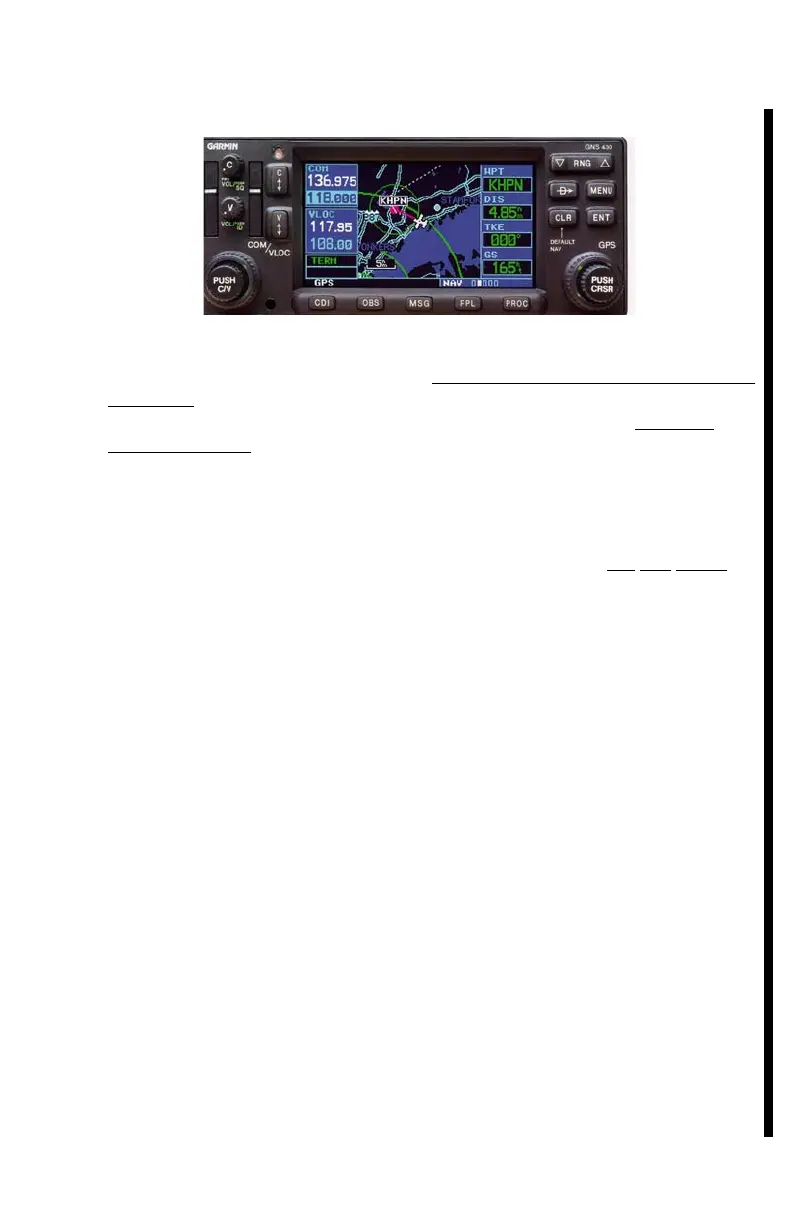
4.19 GNS 430COMM//NAV/GPS
De tailed op er a tion is de scribed in the GARMIN GNS 430 Pi lot’s Guide and
Ref er ence (Garmin P/N 190-00140-00, Rev. A or later), which must be im
-
me di ately avail able to the flight crew. A 16 page ab bre vi ated GNS 430
Quick Ref er ence re minder (Garmin P/N 190-00140-01, Rev. B or later) is
also avail able. The fol low ing cur sory in struc tions are for VFR USE,
ONLY.
The COMM works as soon as the C(omm) PWR/VOL vol ume con trol knob
is turned ON. Af ter turn ON, the pi lot will only be able to see
and ad just
which fre quen cies are pres ently se lected, by press ing the GPS ENTer
key(twice), to ap prove the GPS Avi a tion Da ta base effectivity page, dis -
played af ter the turn ON self test dis play page. The “C” knob is also the
squelch con trol key...you can press it for unsquelched MAX I MUM re ceiver
sen si tiv ity. The first 2.3" of the left hand side of this ra dio func tions as a
con ven tional VHF “NAV/COMM,” and the rest of the ra dio (cen ter and
right hand side) func tions only as a GPS nav i ga tion re ceiver, with mov ing
map dis play. The dou ble ended ar row l key marked “C” is used to trade
the COMM ac tive and standby fre quen cies. Pressing this key for more
than two sec onds will al ways au to mat i cally tune the COMM trans ceiver
AC TIVE fre quency to the 121.500 emer gency fre quency. Only the
standby fre quen cies may be changed by the COM/VLOC knob and ring.
An “RX” will show up be side the let ters “COM” above the ac tive fre
-
quency, while re ceiv ing a trans mis sion. A “TX” will show up above the ac -
tive fre quency, dur ing trans mit. The GNS 430 will not trans mit
con tin u ously for lon ger than 35 sec onds, even with a stuck mic key.
Please call the large knob at the lower left cor ner of the GNS 430 the
“COM ring,” and please call the small knob in its cen ter (PUSH C/V) the
“COM knob.”
Also, please call the large knob at the lower right cor ner of the GNS 430
the “GPS ring,” and please call the small knob in its cen ter (PUSH CRSR)
the “GPS knob.” The COM knob and ring tune the high lighted COMM
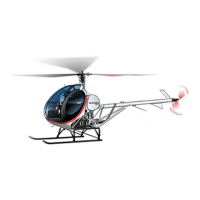
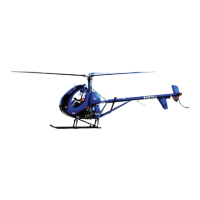
SCHWEIZER MODEL 269C-1 HELICOPTER
CSP-C1-1A
FAA Approved: 03 Oct 1995 37
Revised: 20 Feb 2001



 To Next Page