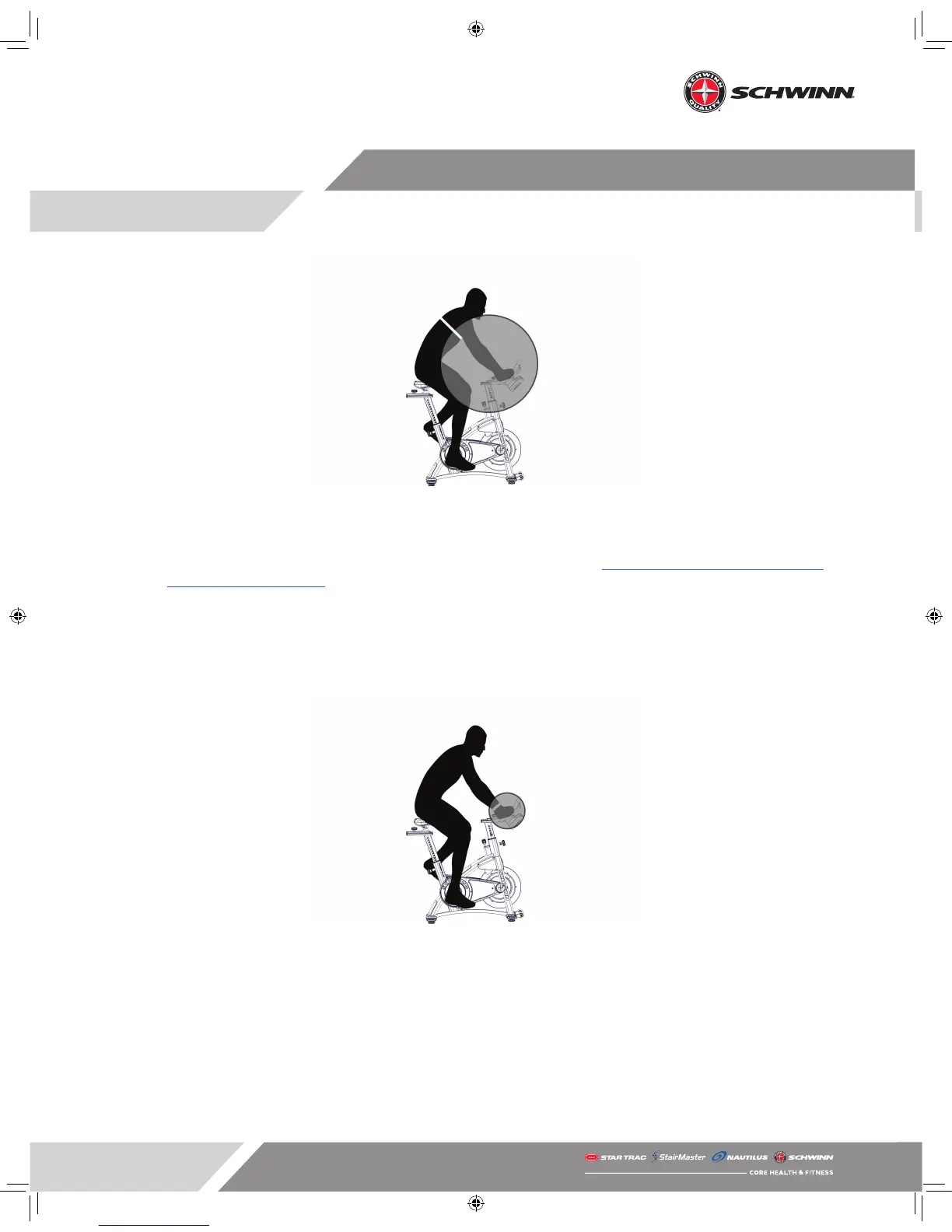
Pairing Heart Rate Monitor.
Pairing a Compatible Sport Watch
• Some versions of sport watches can be paired to the Echelon2 console to record and store data.
• To determine if your device is compatible, check the product directory at https://www.thisisant.com/directory/
mpower-Echelon2-cosole/ to verify your device is compatible.
• Consult the instructions from the manufacturer of your device to determine how to activate pairing mode.
• To pair your compatible watch or other device, you must hold the device near the ANT+ symbol on the console
to establish the pairing (See gure below).
• Once the connection is established, you may assume a normal riding position.
Pairing ANT+ device.
Riding in RIDE Mode
• When you begin a ride, the console will be in what’s known as RIDE mode.
• In RIDE mode, with the optional power sensor installed, the console will display the following metrics:
- Power (measured in watts)
- RPM
- Heart rate (If the console is paired with a compatible heart rate monitor)
- Calories (If Calories are turned on in the service menu)
- Gear (If gear is turned on in the service menu)
- Total ride time



 To Next Page