SCOPE COMMUNICATIONS UK LTD
PAGETEK PRO MK2
Ref: PTPROMK2INSTALLred Page 17 of 27 Issue 1
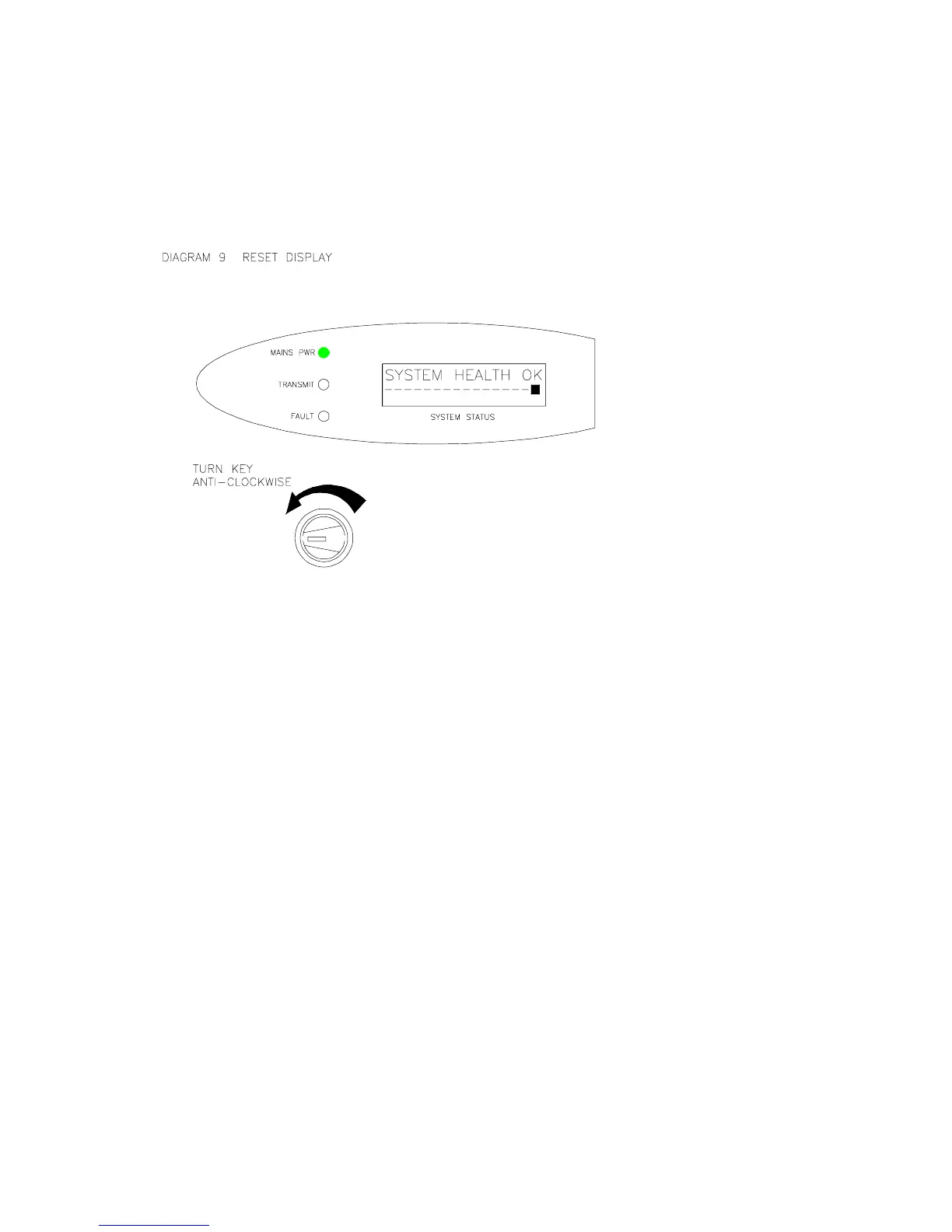
d) Now turn the key clockwise back to the “ON” position and remove it. Note the activity in
the System Log.
Note: if any Fire input stays active, the system will revert to the Fire Alert condition
after the Reset. Always return the key to the “ON” position before removal.
SYSTEM TESTRESET
ON


 To Next Page