SCOPE COMMUNICATIONS UK LTD
PAGETEK PRO MK2
Ref: PTPROMK2INSTALLred Page 26 of 27 Issue 1
Annex B
Pager Hand Programming Features
Note: Pagers must be pre-programmed with “Hand Program” option enabled (consult your supplier if in
doubt).
Model: GEO 40A9
1. Fit the battery and press the READ key to turn on the pager
2. Whilst the pager is alerting, press the “ESC/Menu” Key and the “READ” Key simultaneously.
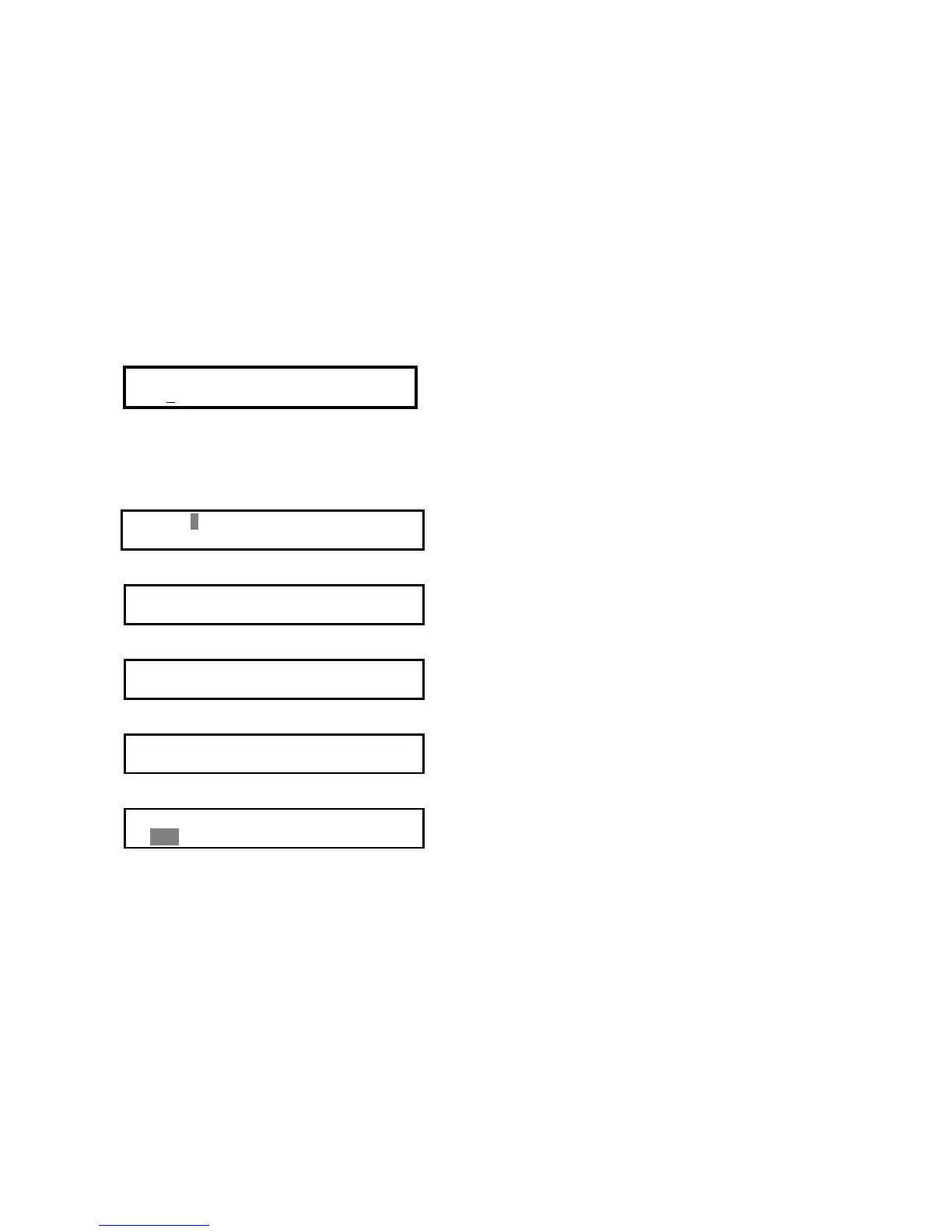
This will display the following menu:
Password:
[0000]
Enter the password, then press the Read key. Scope default password is 7276.
- Press the “Left” key to change the previous value and the “Right” key to change the next value.
- Press the “Read” Key to go to the next digit.
- At any time, press “ESC/Menu” key to exit Manual programming menu
3. If the password is entered correctly, the following capcode screen will be displayed:
1 ON 2004000
2 ON 2004008
-
- pressing “ESC/Menu” key will prompt:
3 ON 2004016
4 ON 2004024
-
- pressing “ESC/Menu” key will prompt:
5 ON 2004032
6 ON 2004040
-
- pressing “ESC/Menu” key will prompt:
Freq : 459100000HZ
Baud Rate: 1200BPS
- pressing “ESC/Menu” key will prompt:
Save settings ?
YES
Press Read key to Save new settings and exit.
Model: GEO 85Z, GEO 86Z
Hold down Enter button (bottom button) to switch pager on.
As soon as power up tone is heard press Select button (second from bottom).
4 digit password prompt should appear on display.
The default Scope password is 7276.
Use Enter button to accept correct digit & Arrow buttons to change values
Use Enter button to accept correct password.
All 6 addresses, frequency & baud rate will now be displayed
Again, use Enter button to accept & Arrow keys to change
After editing, use Select button to accept changes
Use Enter button to accept & save changes, or Select button to exit.
Pager returns to off mode.


 To Next Page
 Loading...