MAGICPLATE"' MOUNTING OPTIONS
(cont'd)
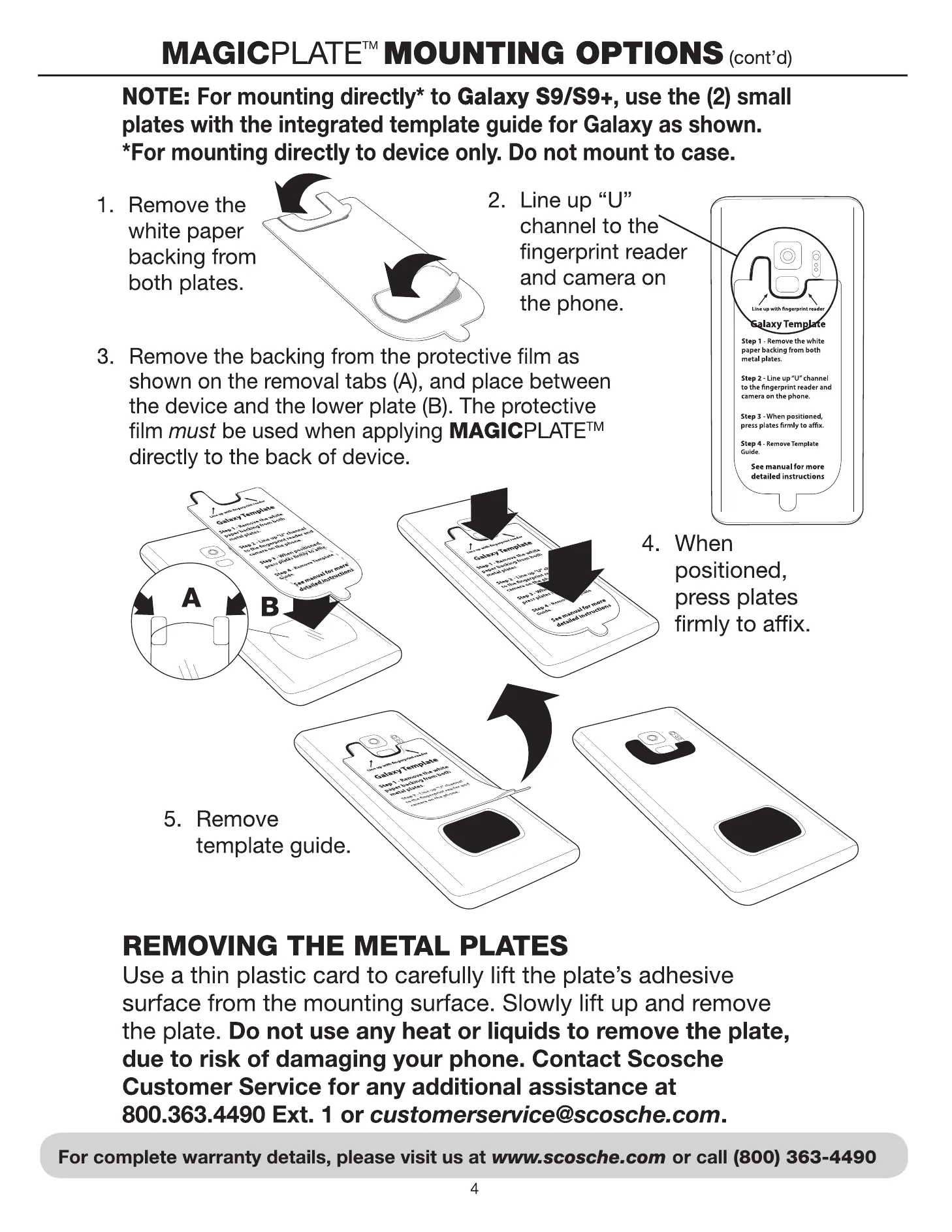
NOTE: For mounting directly* to Galaxy S9/S9+, use the (2) small
plates with the integrated template guide for Galaxy as shown.
*For mounting directly to device only. Do not mount to case.
Remove the
white paper
backing from
both plates.
2. Line up "U"
channel to the
fingerprint reader
and camera on
the phone.
3.
Remove the backing from the protective film as
shown on the removal tabs (A), and place between
the device and the lower plate (B). The protective
film must be used when applying MAGICPLATETM
directly to the back of device.
MDMRK
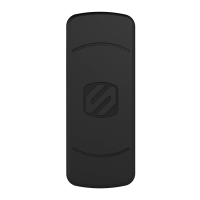
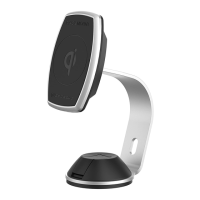
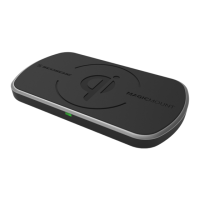
MAGICMOUNTM CHARGE
MAGICMOUNT' DUAL-MAGNET
REPLACEMENT KIT
Questions?
Need help with your Product?
Call Customer Service at:
(800) 363-4490 xl
Customer Service
Please Note: This product is not for use with hard-drive based MP3
players, including iPod and Zune. Incorrect use of this product may result
in damage and will not be covered under the terms of the limited warranty.
4. When
positioned,
press plates
firmly to affix.
2.
3.
1
MAGICPLATET" LARGE PLATE
(for mounting to device)
la. TEMPLATE GUIDE
MAGICPLATETMSMALL METAL
PLATES (2) (for mounting to case)
2a. TEMPLATE GUIDE
MAGICPLATETM SMALL METAL PLATES (2)
(for mounting to Galaxy S9/S9+)
3a. TEMPLATE GUIDE
3b. PROTECTIVE FILM (for bottom plate only)
la
2
buking
Guide
3
5.
Remove
template guide.
REMOVING THE METAL PLATES
Use a thin plastic card to carefully lift the plate's adhesive
surface from the mounting surface. Slowly lift up and remove
the plate. Do not use any heat or liquids to remove the plate,
due to risk of damaging your phone. Contact Scosche
Customer Service for any additional assistance at
800.363.4490 Ext. 1 or customerservice@scosche.com.
For complete warranty details, please visit us at www.scosche.com or call (800) 363-4490
4
02018 SCOSCHE INDUSTRIES, INC
Galaxy Template
Step 1-R. the white
from both
step2- Line up
to hnwp«int and
step when
plates fmlyto
manual for
detai led
3b
300MDMRK 8/18


 To Previous Page
 Loading...