EasyManua.ls Logo

Scosche MagicMount MQ2VP2 - Wireless Charging and Device Use; Powering the Mount; Device Placement and LED Status

Scosche MagicMount MQ2VP2
24 pages
Print Icon
To Next Page IconTo Next Page
To Previous Page IconTo Previous Page
Loading...
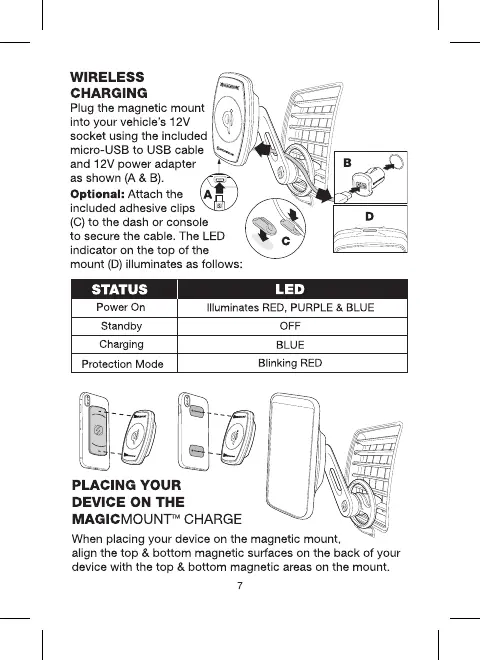
WIRELESS
CHARGING -
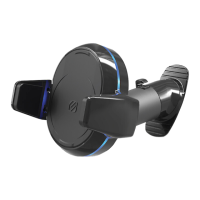
Plug the magnetic
mount
®
into your vehicle's 12V 4
socket using
the
included
micro-USS
to
USB cable
~
and 12V
power
adapter
as
shown
(A
& B).
Optional: Attach the - ~/
z..._
__
_J
included adhesive clips
~
~
(C)
to
the dash
or
console
~
to
secure
the
cable. The LED c
~
~
indicator on the
top
of
the
mount
(D)
illuminates as follows:
--..,,-
,
._
If.:
l~=t•
Power
On
Illuminates
RED,
PURPLE
&
BLUE
Standby
Charging
Protection
Mode
PLACING YOUR
DEVICE ON
THE
MAGICMOUNT™ CHARGE
OFF
BLUE
Blinking
RED
When placing your device on the magnetic mount,
align the
top
&
bottom
magnetic surfaces on the
back
of
your
device with
the
top
&
bottom
magnetic areas on the mount.
7

Related product manuals