Features
Light Indicators
• LED OFF = Camera OFF
• Solid Red LED = Camera ON, but NOT recording
• Flashing Red LED = Camera ON and recording
Safety tips and care
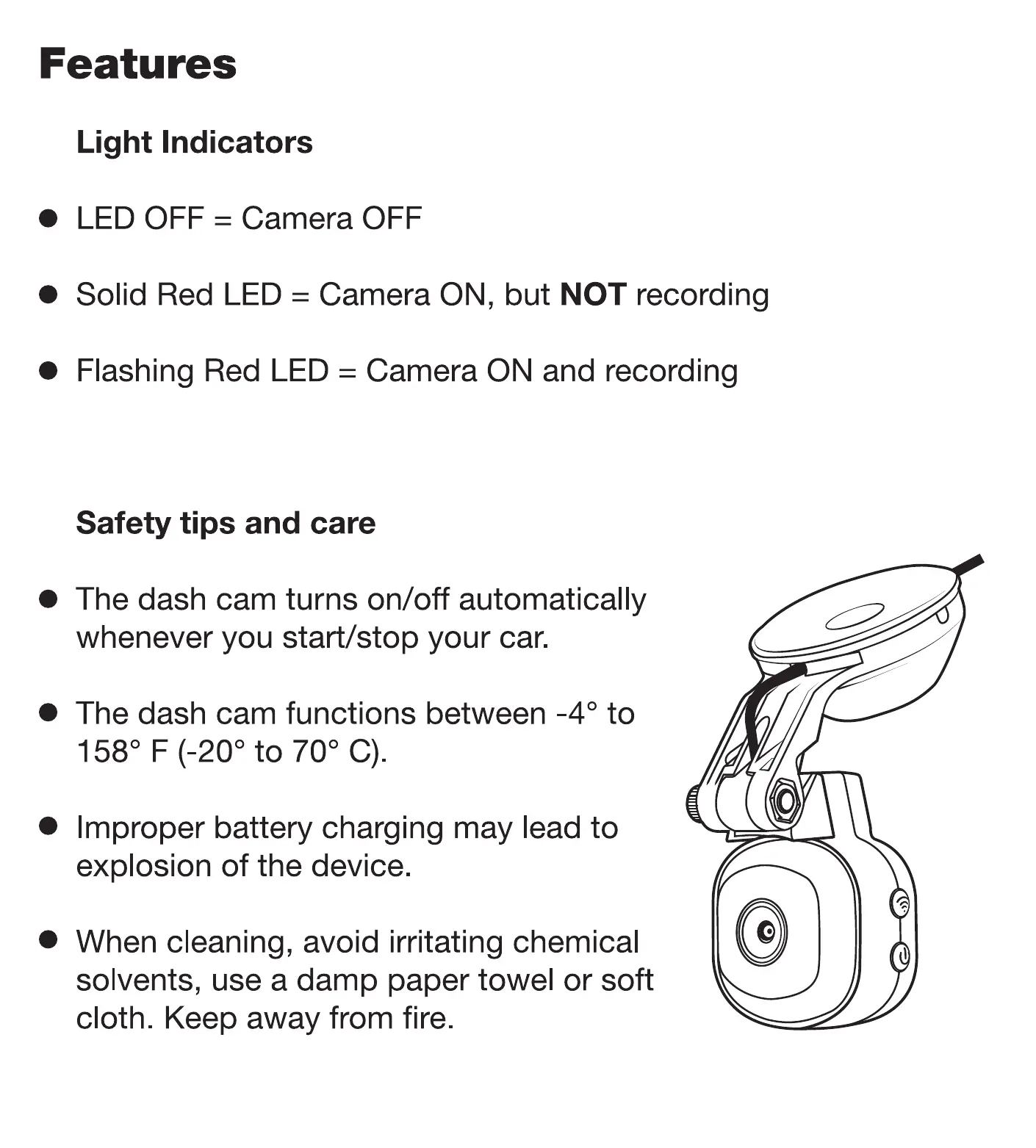
The dash cam turns on/off automatically
whenever you start/stop your car.
The dash cam functions between -40 to
1580 F (-200 to 700 C).
• Improper battery charging may lead to
explosion of the device.
When cleaning, avoid irritating chemical
solvents, use a damp paper towel or soft
cloth. Keep away from fire.
If your dash cam isn't working, don't try to repair it yourself. Please
contact us at: (800) 363-4490 xl I www.scosche.com/contact or
visit, getnexar.com/faq
Parts Included
D
c
1. Adjustable Docking Suction Mount
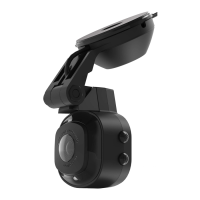
2. NEXSII Dash Cam w/ internal SD
3. Panel Removal Tool
1 2-Volt Power Socket Connector
4.
5. (5) Zip-Ties
(4) Rubber Straps
6.
7.
(4) Adhesive Rubber Cable Clips
(I) Micro SD Memory Card
8.
9.
Cleaning Wipes (1) Wet, (1) Dry
2.
RoadFacing Camera
Button Side
View
Dash Cam Features
Bottom View
o
Back
Storage Side
View
3.
6.
4.
7. 8.
5.
9.
A
B
C
D
E
Type-C USB Power Input
Quick Release Docking Slot
1400Wide-angle Lens
LED Indicator
Microphone
F
G
H
J
Capacitive Touch (Event Capture)
Speaker
WiFi Connection
Power Button
Memory Card Slot



 To Next Page