Attaching
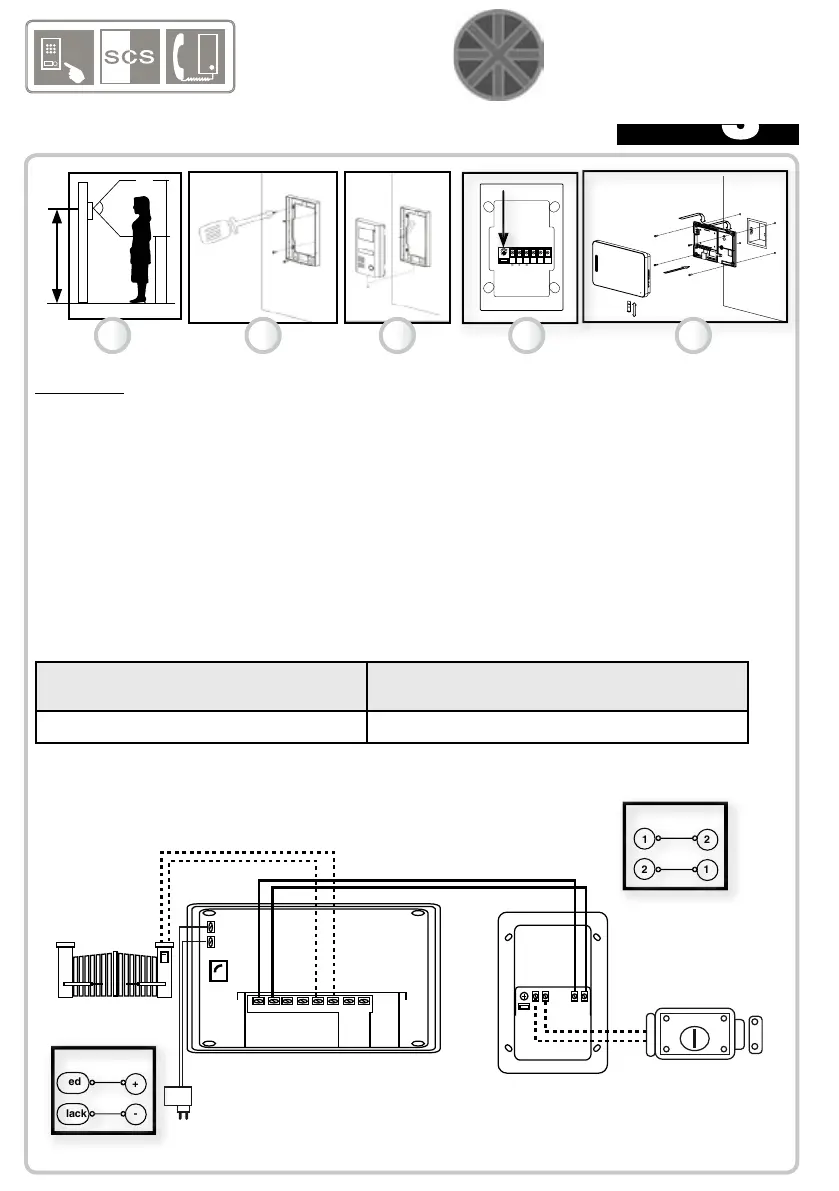
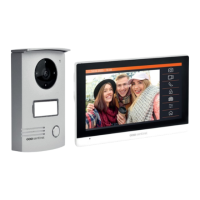
1) Attach the exterior camera at a height of 1.5 metres mounted on a at wall.
2) First t the rear support. Finish by tightening the screw at the bottom of the panel.
3) Connect the camera wire (as shown in the diagram below) and insert the camera
onto its support. Do not set up the camera where it is in direct contact with the rain or
sun. After installing and testing, place a clear silicon seal on the top and sides of the
exterior camera (not on the bottom) to avoid any risk of inltration.
4) IMPORTANT : realize the setting of the melodie volume before install the monitor.
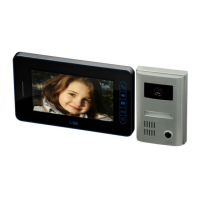
5) Attach the rear support of the monitor (at a height of 1.5 metres on a at wall).
Connect the wires and insert the monitor onto its support.
WIRE SECTION :
Monitor-camera link Camera - Lock / opener link
Monitor - automated system
From 0 to 50 metres: use the 0.75 m² cable From 0 to 10 metres: use RVV2 *1mm² cable.
CABLING DIAGRAM :
ATTACHING AND CONNECTING THE ELEMENTS
3
ENGLISH
1234
56
+
-
A1
GN 18V
A2 B1
B2
C1
C2
GND
VD
Electric lock or opener
(optional)
12V / 700 mA
1.5 m
1 2 3
4 5
E8 monitor
M1 camera
18 Volt
adaptor
1
2
2
1
MONITOR
Camera
red
black
+
-
Transformer MONITOR


 To Next Page