12/2012 SECURIO B 35 15
english
6 Troubleshooting
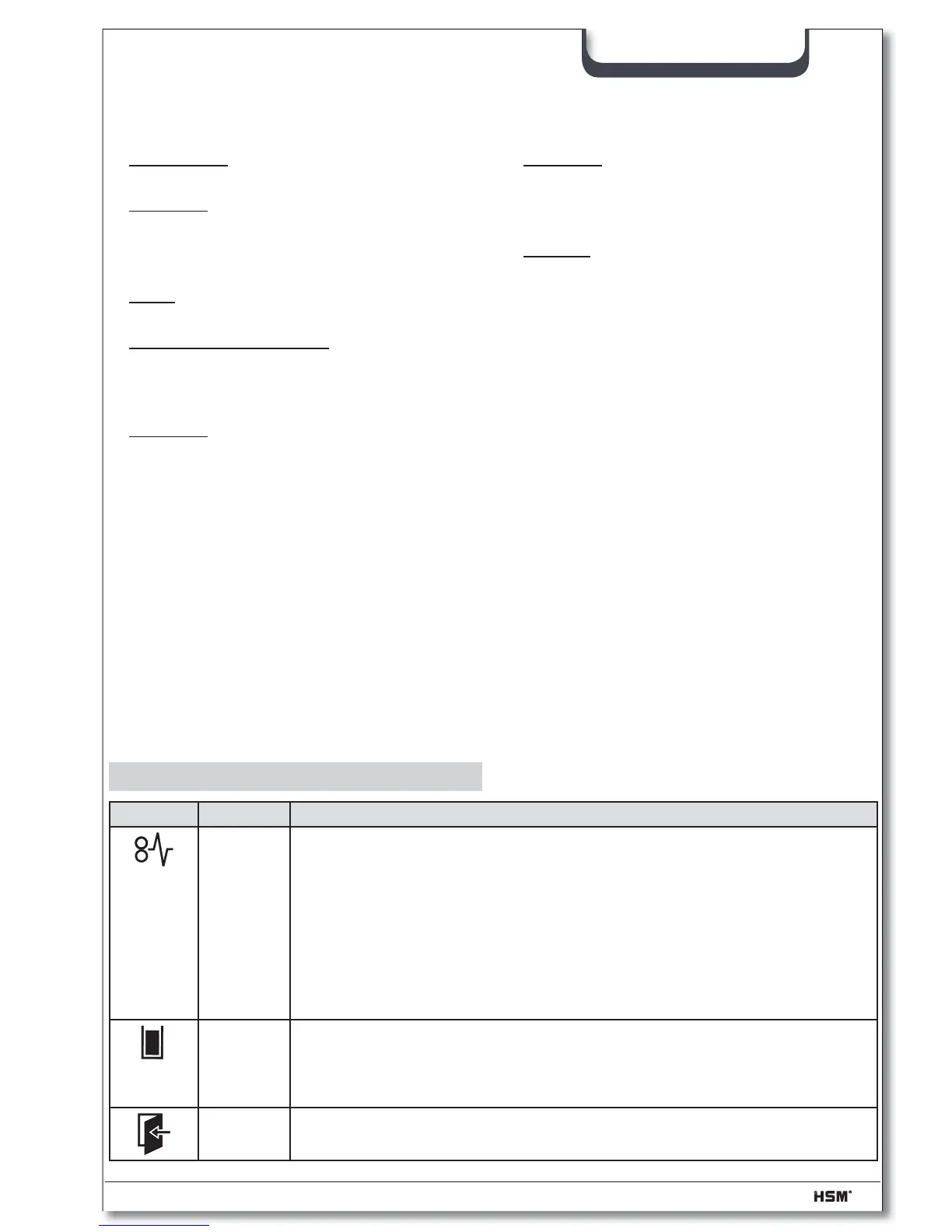
Display Problem Measure
Paper
jam
You have fed in too much paper.
The cutting unit runs in reverse for a few seconds and pushes the pa-
per back out again.
• If necessary, press the reverse button “R” to remove the stack of paper.
• Take half the stack of paper.
• Feed the paper in portions.
Note:
This indicator lamp also lights up when the motor is overloaded. In this
case, let the shredder cool down for 20 minutes before using it again.
Shredded
material
container
full
• Empty the shredded material container.
Note:
If you press the reverse button briefl y before removing the container,
part of the material is pulled back into the cutting apparatus.
Door
open
• Close the front door.
Other function modes:
• Permanent mode
Application: Shredding large quantities of
paper
Function: Cutting unit runs continuously.
If no material is fed in within a period of
2 minutes, the cutting unit shuts down
and the shredder switches to standby.
Start: Press the operation button for
3 seconds.
Premature cancellation: Press the opera-
tion button.
• Automatic shutdown
Function: If the shredder is not used for
40 minutes, it shuts down completely and
therefore does not consume any more
electricity (at night, at the weekend).
Restart: Press the operation button.
• Stand-by mode
Function: Two minutes after the last pa-
per feed operation, all consumers that are
not required are switched off automati-
cally.
The „Ready for operation“ indicator fl ash-
es briefl y at regular intervals.
The shredder starts automatically when
paper is fed in.



 To Next Page