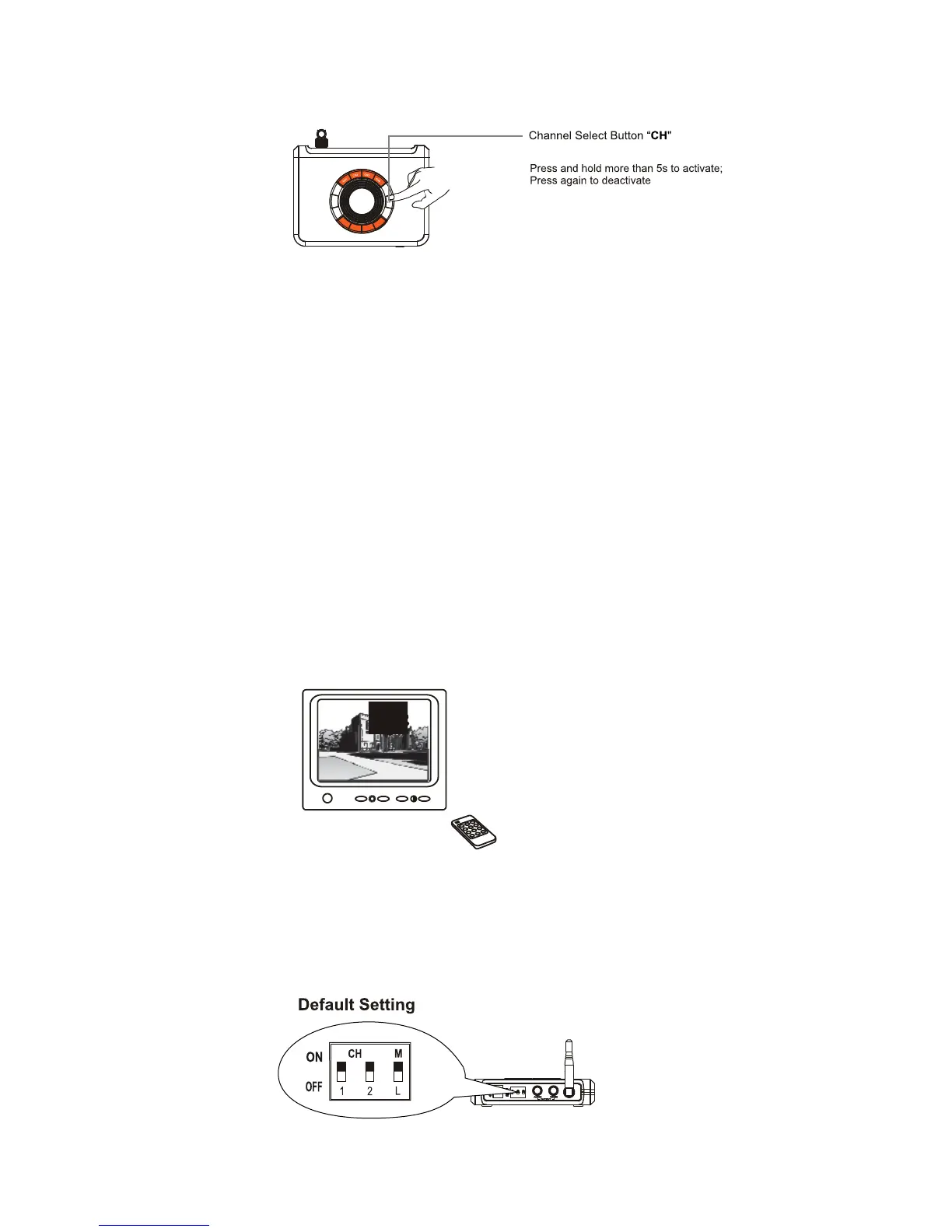
3) Press the Channel Select Button “CH” on the receiver until the channel indicator matches to the
channel on the corresponding camera frequency. The monitor/TV will display camera image.
4) Adjust the brightness, contrast and color of the monitor/TV to perfection.
Note: The receiver can support up to 2 cameras working at the same time. You are allowed to set
the Mode Control as described below. The Mode Control has the precedence over other buttons.
Manual mode: Slide Mode Control switch to M to enter Manual mode. In this mode,
the receiver channel won’t change until you press the Channel Select Button “CH”.
Note: To manually toggle between channels, it requires two active.
Tip: Channel-Scan function can also be activated by pressing and holding the Channel Select Button
"CH" for more than 5 seconds in Manual mode. Press the Channel Select Button again to deactivate
Channel-Scan function.
Channel Scan mode: Slide Mode Control switch to L to enter channel scan mode.
In this mode, all the available channels will display one by one looping in turn every
5 seconds.
Note: Press the Channel Select Button "CH" at the channel scan mode, the current channel will immediately
advanced to the channel. Slide the Mode Control switch to M to disable the scan mode.


 To Next Page