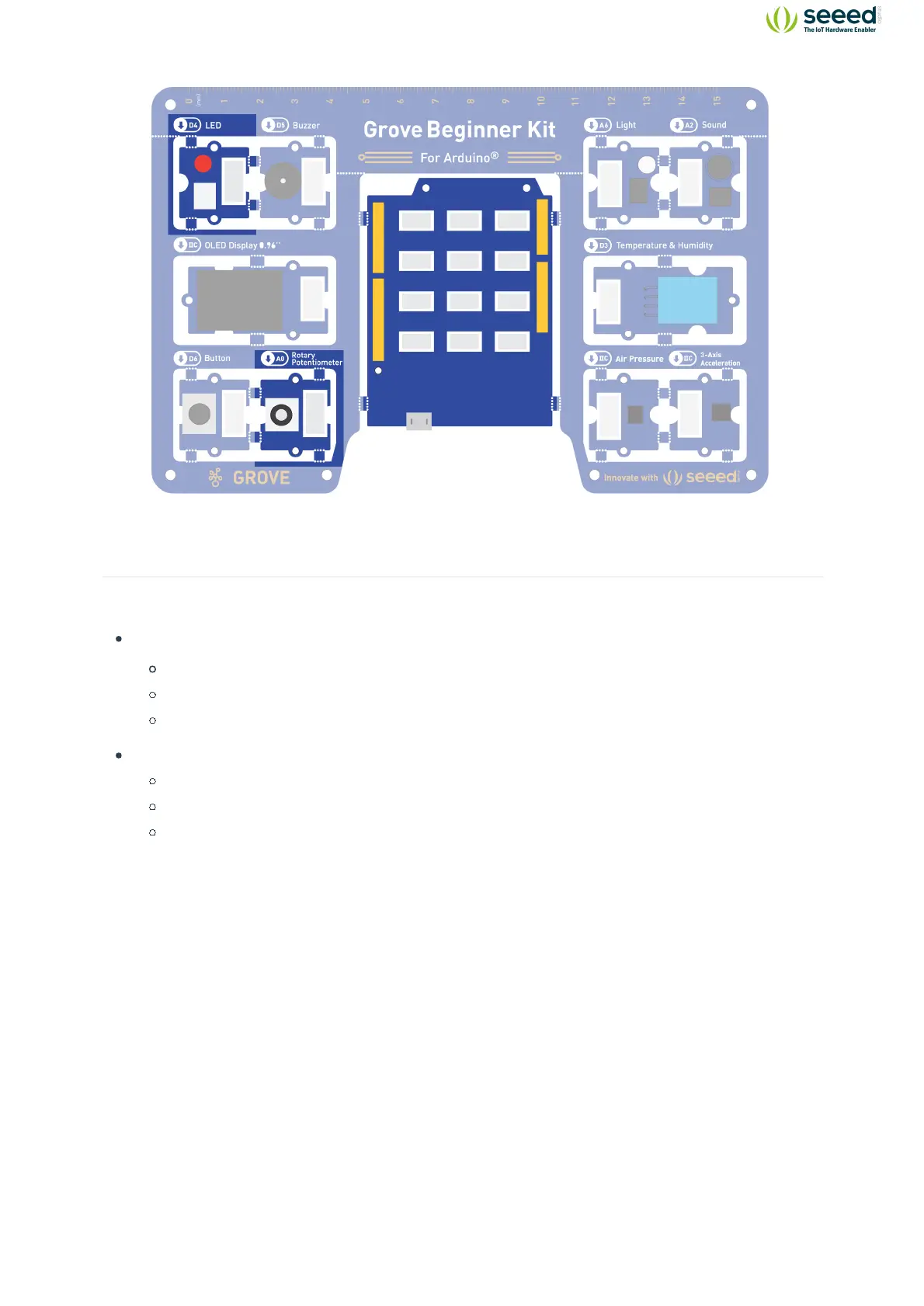
Hardware connection
Module connection:
Default connection by PCB stamp hole.
The Seeeduino is then connected to the computer via a USB cable.
Hardware analysis:
Input: Rotary Potentiometer
Control: Seeeduino Lotus
Output: LED module
The input is an analog signal, so it is connected to the analog signal interface, the LED module is
connected to the digital signal interface.


 To Next Page