5.Remove the Battery
To remove the battery, please follow the steps below:
Locate the battery compartment on the device. Use an
appropriate tool, such as a flathead screwdriver, to gently
pry open the battery cover. Carefully disconnect the battery
connector and then remove the battery. Ensure that you
handle the process delicately to avoid any potential damage
to the device.
•Before removing the battery, ensure the device is powered off
and disconnected from any power source. Handle with care to
avoid damage to the device or battery.
•Once removed, store the battery properly to prevent any risk of
short-circuiting.
•Unless you need to replace the battery, we do not recommend
removing the battery yourself to avoid accidental operation that
may damage the battery or the device.
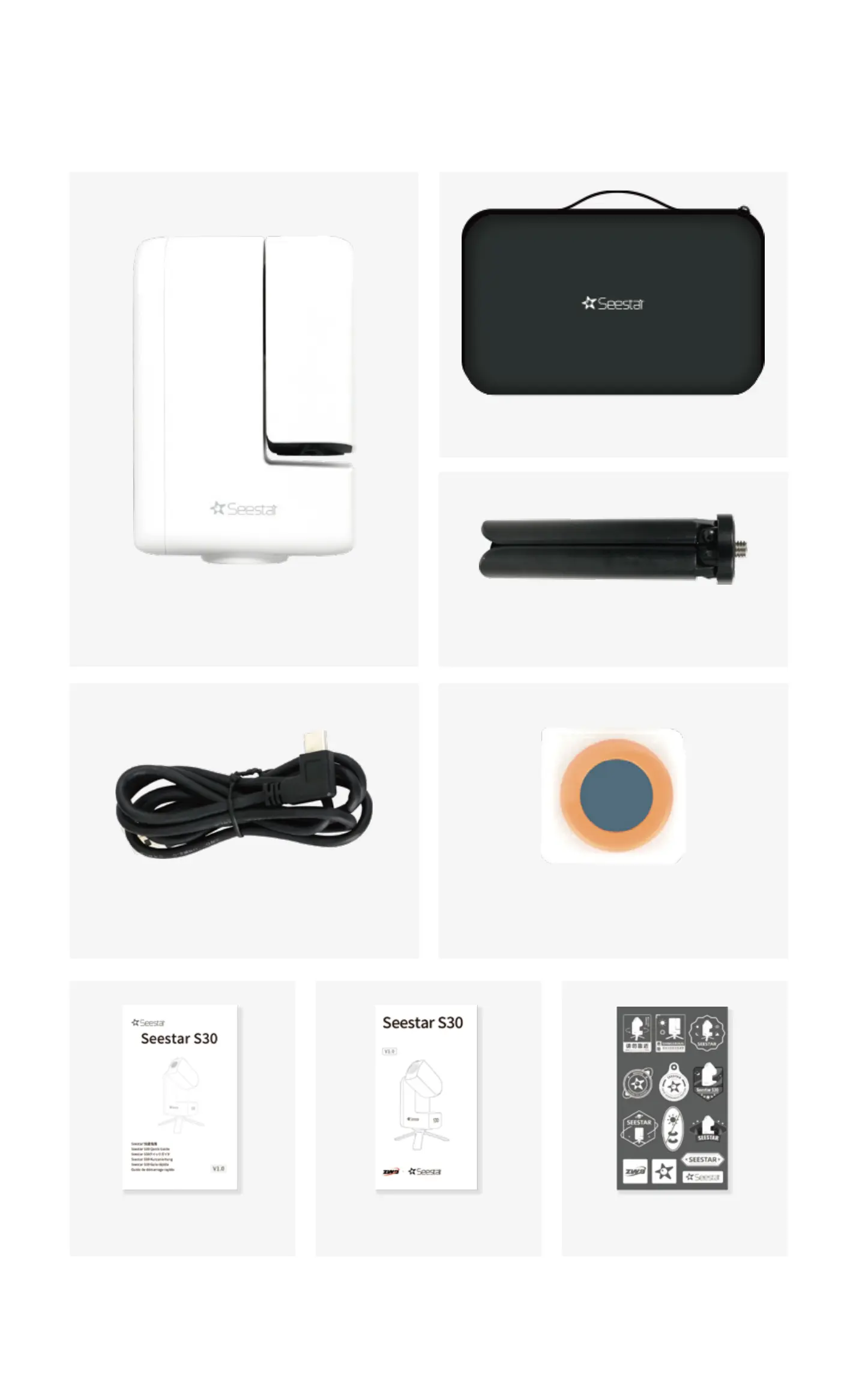
6. What's in the Box?
Seestar S30
Type-C Cable
Quick Guide Warranty Card
ZWO Astronomy
-theme Stickers
Solar Filter
Suitcase
Tripod


 To Next Page
 Loading...