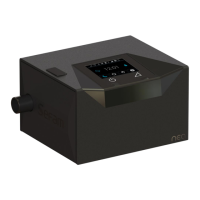
14 Information and settings Sefam S.Box
How to set the device
1. Setting menu
The adjustment of the treatment parameters is accessible by the touch keys displayed on the screen.
The access to some of them is restricted to the medical professional (in standby mode only). In this
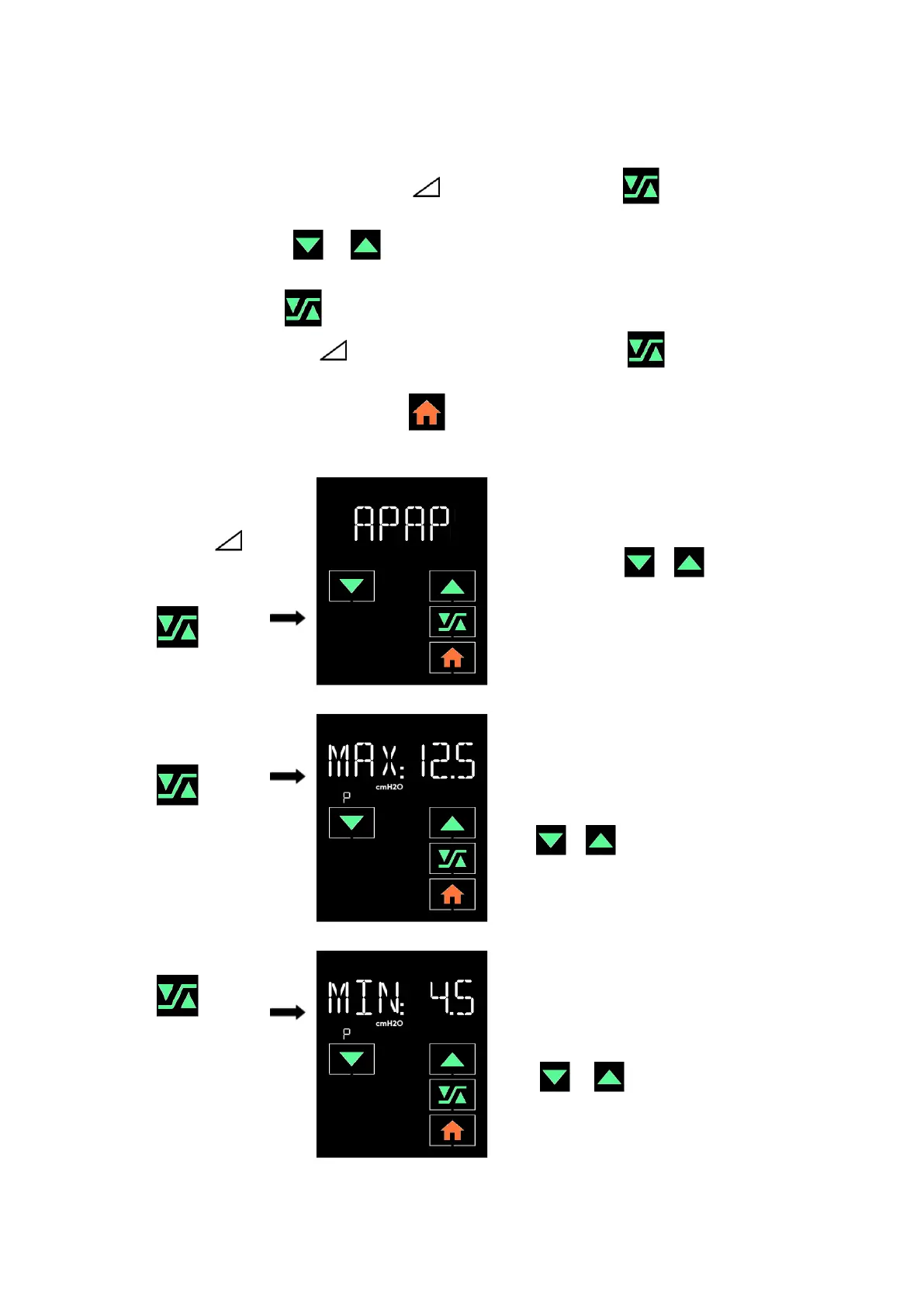
case, press and maintain the ramp button , then tap the touch key for two seconds when it
is shown on the display. In the settings sequence:
tapping the touch key or permits to decrease or increase the value of the parameter,
make changes, deactivate or activate the displayed function,
tapping the touch key permits to access the next display,
maintain the ramp button pressed, then tapping the touch key permits to return to the
previous display,
The standby screen is restored by tapping or after two minutes without tapping a key.
ඹ
Press and hold the
ramp button
then tap the touch
key
Mode of operation
You can change the displayed mode by
tapping the key or .
Possible settings: CPAP or APAP (Auto-
CPAP).
for two seconds in
standby mode.
Maximum pressure if the APAP (Auto-
CPAP) mode was selected.
You can decrease or increase the
displayed value by tapping repeatedly the
key or .
Possible settings: from the minimum
pressure to 20 cm H
2
O.
Minimum pressure if the APAP (Auto-
CPAP) mode was selected.
You can decrease or increase the
displayed value by tapping repeatedly the
key or .
Possible settings: from 4 cm H
2
O to the
maximum Pressure.


 To Next Page