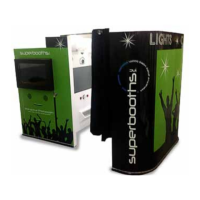
Topper Mounting Instructions [continued]
1. Remove plastic protective sheets on the 32” monitor.
2. Slide the 32” monitor into the topper.
3. Insert the shorter bolts through each of the 4
mounting holes in the topper and thread them into
the back of the monitor.
Topper
Back view w/Monitor
Topper
Back view w/o Monitor
32” Monitor
Back of TV - Mounting Holes
Topper Mounting Instructions [continued]
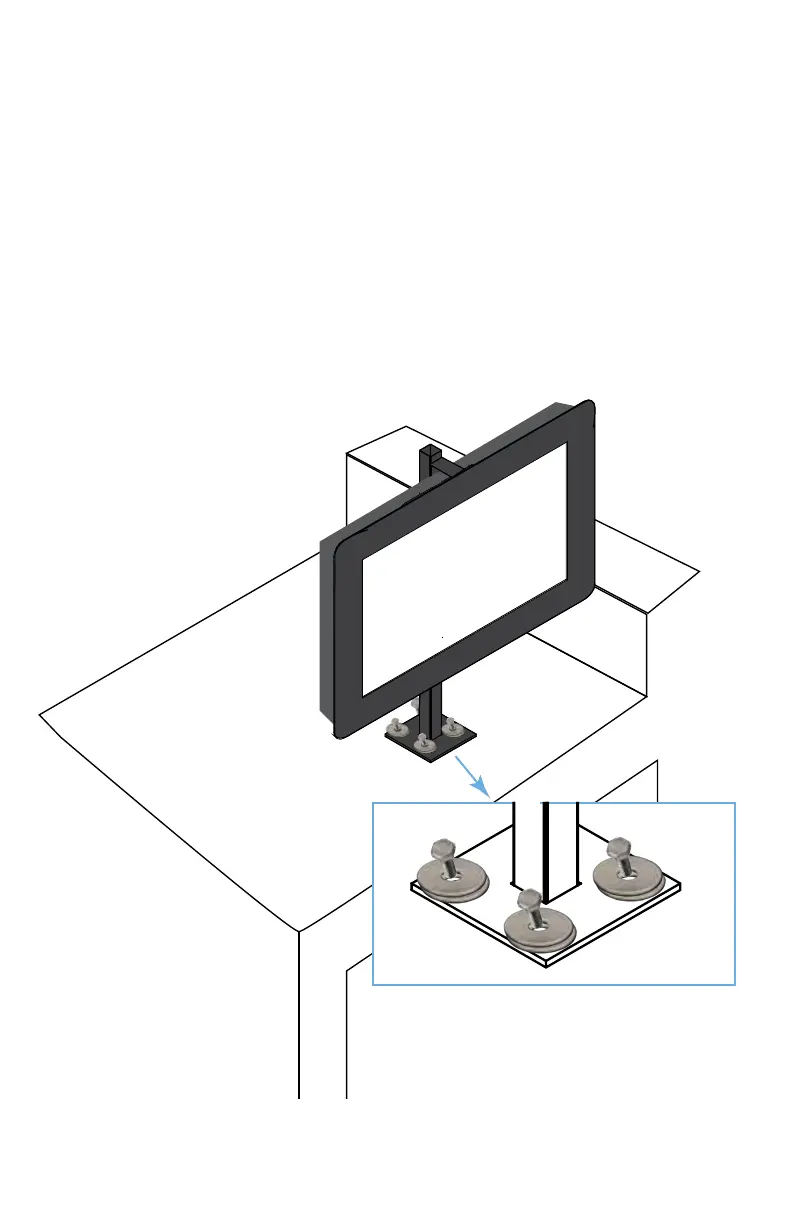
4. With the help of a second person lift the topper onto
the top of the Super Booth.
5. Line up the topper base with the 4 holes on the top
surface of the Superbooth.
6. Place two washers on each of the longer bolts and
thread them into each of the four mounting holes.


 To Next Page
 Loading...