01 02
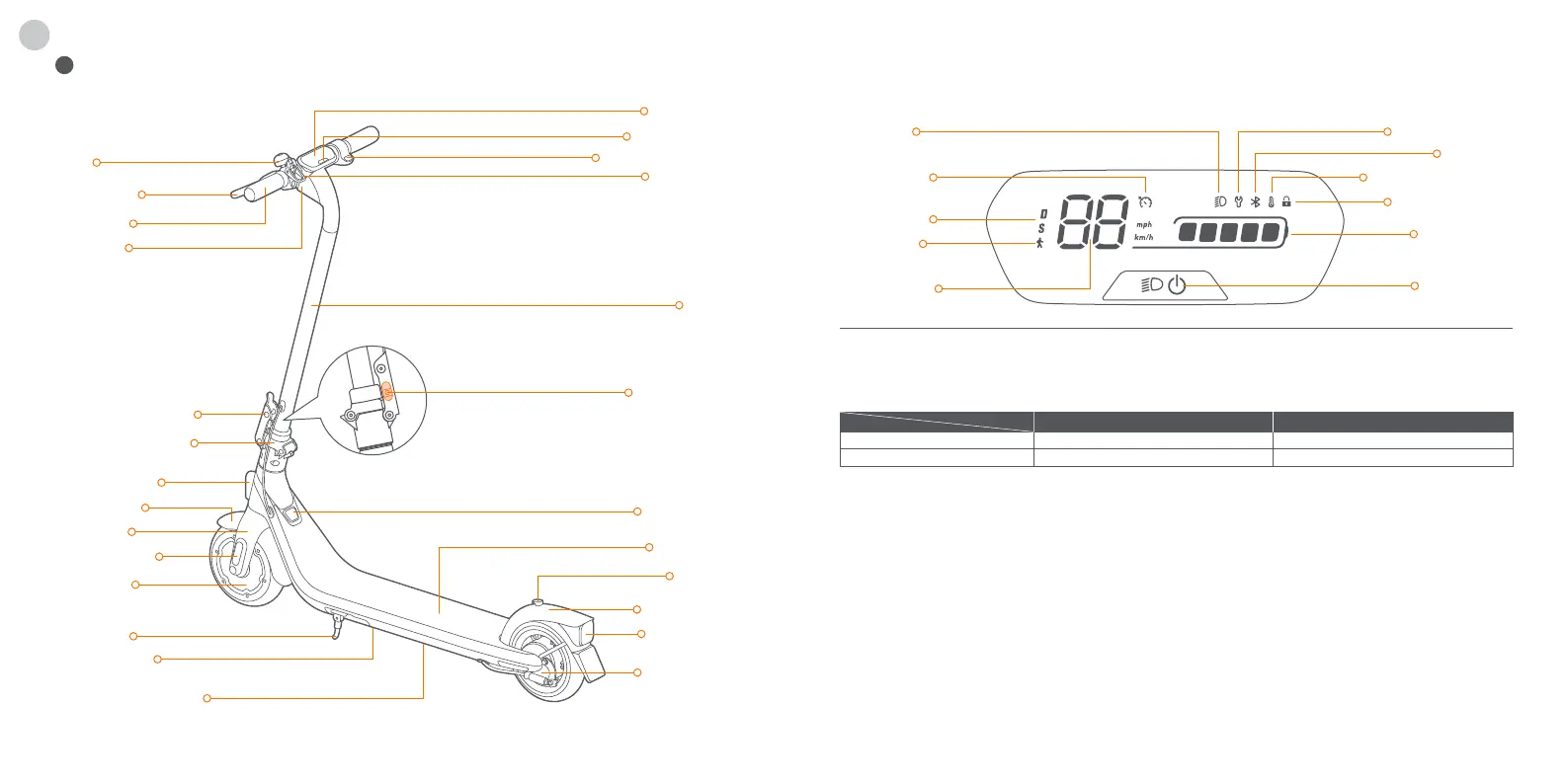
Power Button: Press the button to power on the scooter; press and hold the button for 3 seconds to power it off. When the scooter is on, press
the power button to turn on/off the headlight and the rear light, and press twice to switch between the speed modes.
Speedometer: It displays the current speed of the scooter, as well as error codes.
Speed Mode: There are two modes available. The top speed is as follows:
Walk Mode: Max. speed is 5 km/h (3.1 mph). The headlight and tail light are always on and can't be turned off.
* How to enable in the Segway-Ninebot app: Settings > Walk Mode.
Error Notification: It indicates that the scooter has detected an error.
Temperature Warning: It indicates that the battery temperature has reached 55°C (131°F) or is below 0°C (32°F).
* At this point, the scooter cannot accelerate normally and may not be charged. Do not use until the temperature has reverted to the
normal range.
Bluetooth: It indicates that the scooter has been successfully connected to the mobile device.
Battery power: The total battery power equals 5 bars.
* The battery power is very low when the first battery bar is red. Please charge your scooter immediately.
Locking Reminder: When the icon lights up, it means the scooter is locked. If abnormal movements are detected, the scooter will start
beeping and the tail light will falsh.
Cruise Mode: When the icon lights up, it means cruise mode is turned on.
Diagram
1
EN
Dashboard & Power Button
Speedometer
Temperature Warning
Locking Reminder
Bluetooth
Speed Mode
Walk Mode
Headlight
Cruise Mode
Error Notification
Battery Power
Power Button
Model
Mode
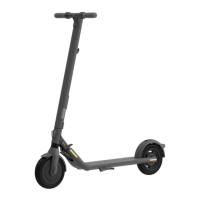
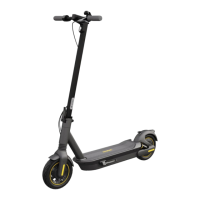
E2 E2 Plus
9.3 mph (15 km/h)
12.4 mph (20 km/h)
12.4 mph (20 km/h)
15.5 mph (25 km/h)
D (Standard mode)
S (Sport mode)
Bell
Handlebar
Electronic Throttle
Snap Hook
Dashboard
Brake Lever
Headlight
Stem
Safety Button
Folding Mechanism
Quick-release Lever
Front Fork
Front Fender
Hub Motor
Charge Port
Footboard
Buckle
Rear Fender
Drum Brake
Rear Light
& Reflector
Side Reflector
Front Reflector
Kickstand
Battery Compartment
Ambient Light
* For E2 Plus only
Power Button


 To Next Page